
Fused Powerpole Distribution Block
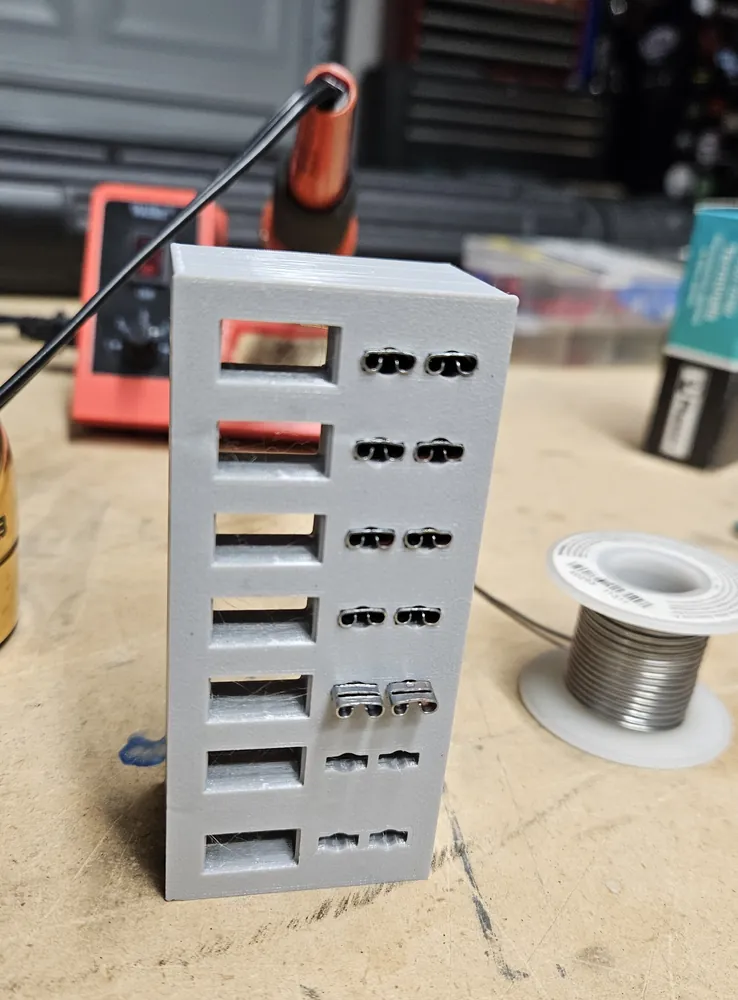
A 3D-printed, 7-position fused Anderson Powerpole block: one position brings power in, and the other six share it out to ham radio gear, each through its own blade fuse.
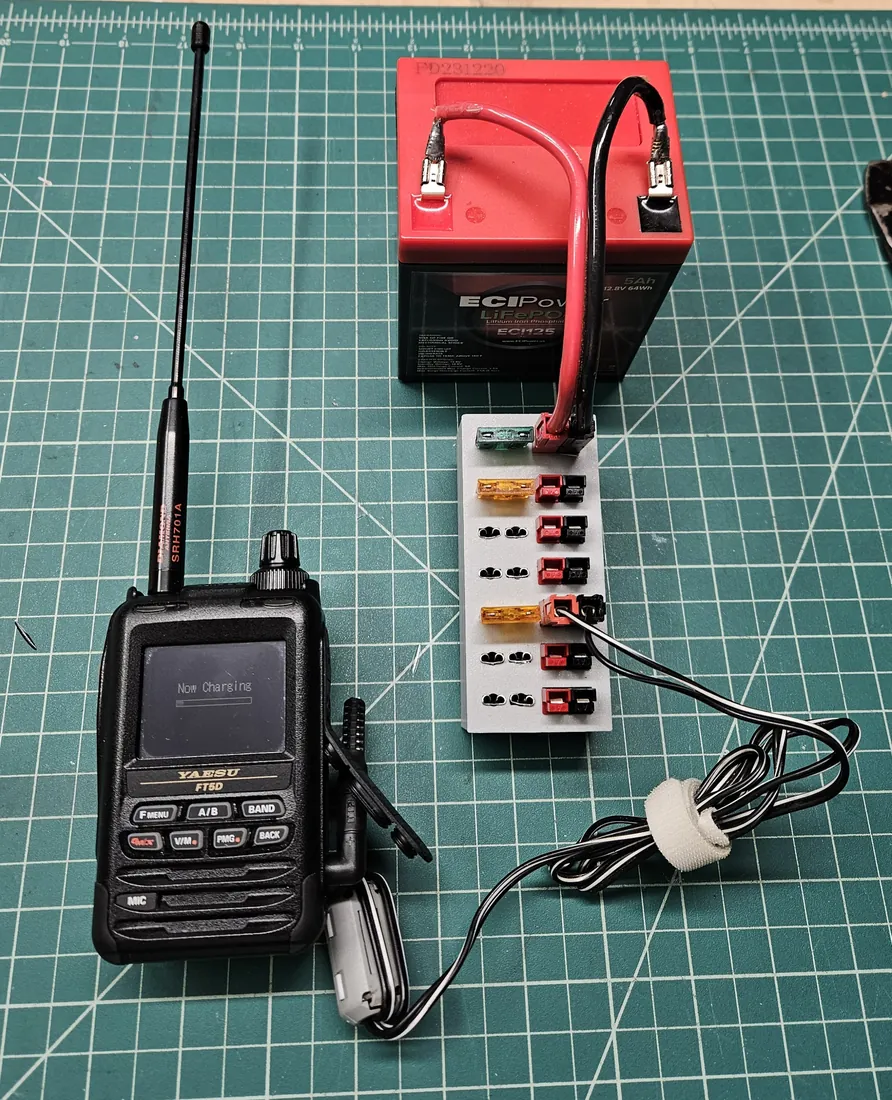
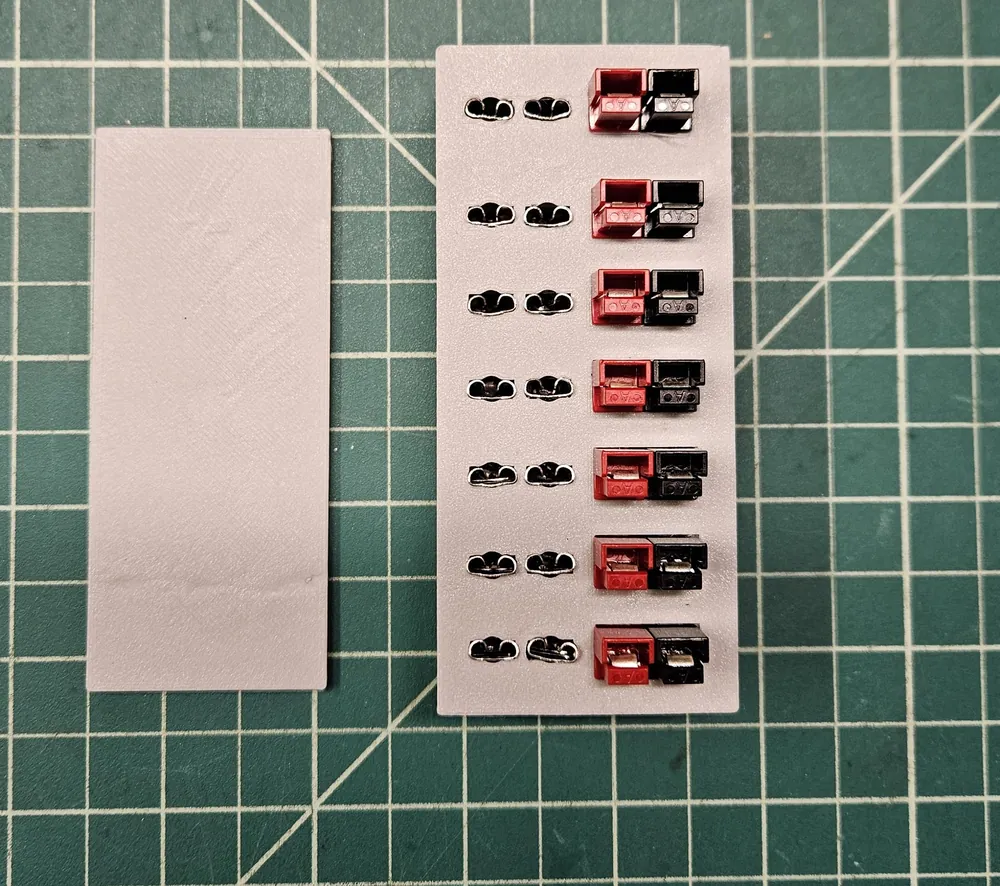
Most ham radio gear runs on 12 volts, and a lot of it uses Anderson Powerpole connectors. When one battery or power supply has to feed several radios and accessories at once, a distribution block keeps things tidy and safe. This one has seven positions, each a Powerpole pair with its own standard blade (ATO) fuse. I use one position to bring power in, and the other six feed radios, chargers and other gear. It's small enough to go anywhere, from the bench to a portable setup.
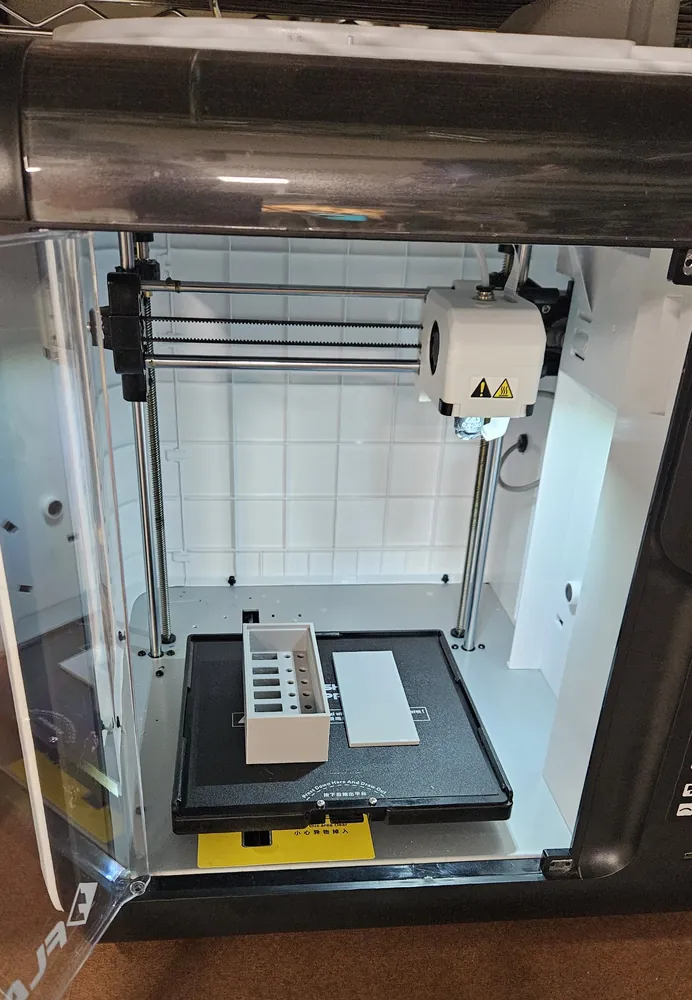
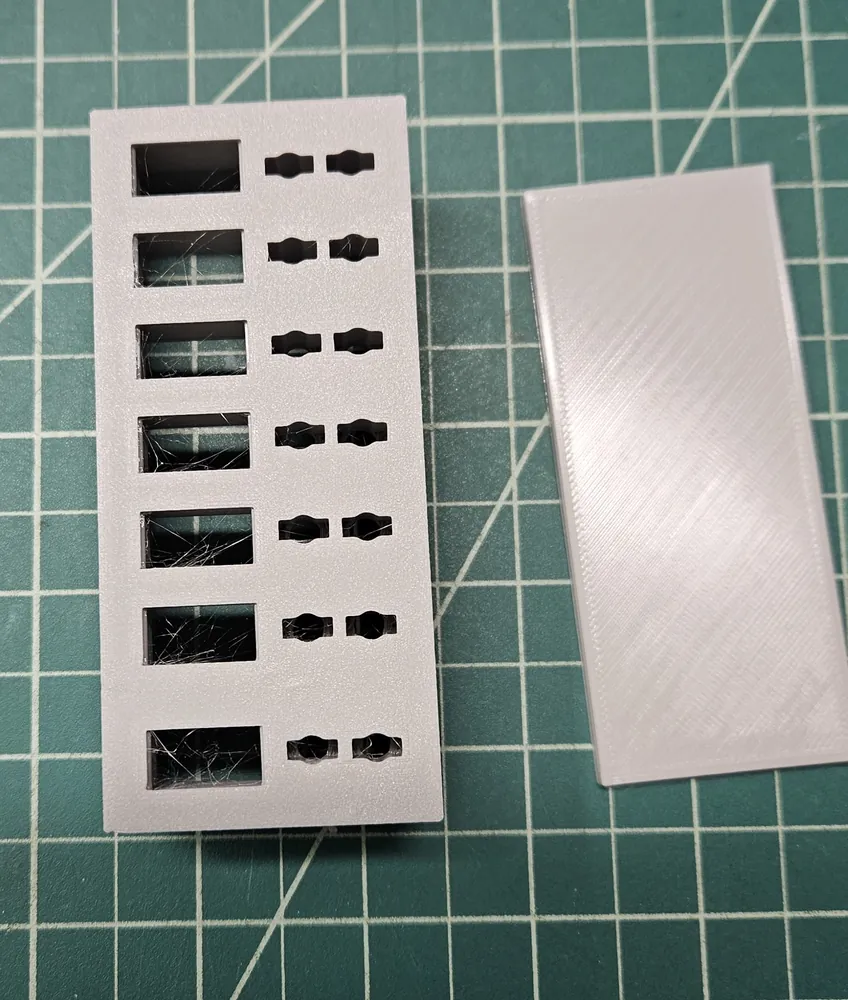
The case is "Fused Anderson Powerpole supply block" by NikDFish on Thingiverse. It's two pieces, the block and a cover, and the Powerpole connectors and fuse terminals snap into place in it.
How it's wired
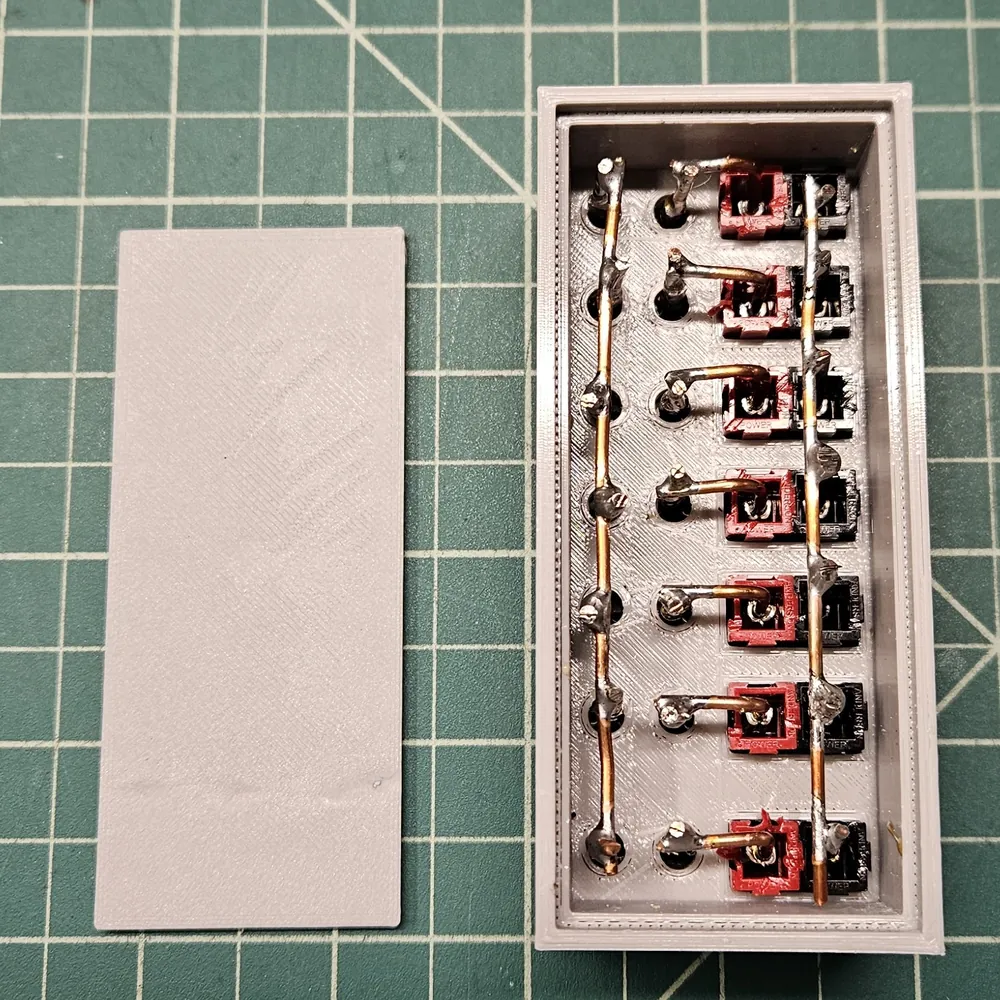
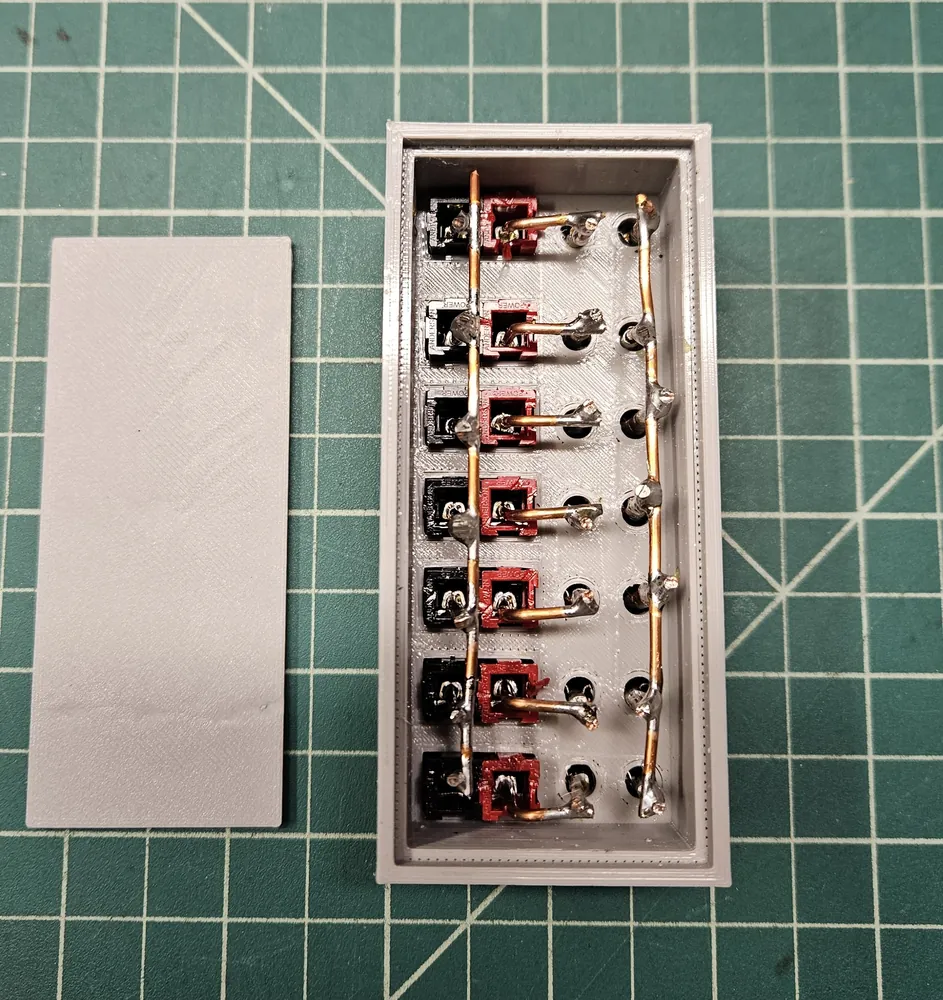
All the Powerpole negatives are joined together. On the positive side, one terminal of every fuse holder is joined into a common bus, and the other terminal goes to that position's Powerpole positive. Power coming in passes through its position's fuse to the bus, and goes out through each output's own fuse, so a short in one piece of gear only blows that port's fuse.
Fuses
What's in it right now, from the top. The input fuse protects the whole block; each output's fuse is sized for the gear on that port.
| Position | Use | Fuse |
|---|---|---|
| 1 (top) | Power in | 30 A (green) |
| 2 | Output | 25 A (clear) |
| 3 and 4 | Outputs | 5 A (tan) |
| 5 | Output | 3 A (violet) |
| 6 and 7 | Outputs | 2 A (gray) |
The build
- Printing the case. I printed the block and cover in PETG on my Flashforge Adventurer 3, with no supports.
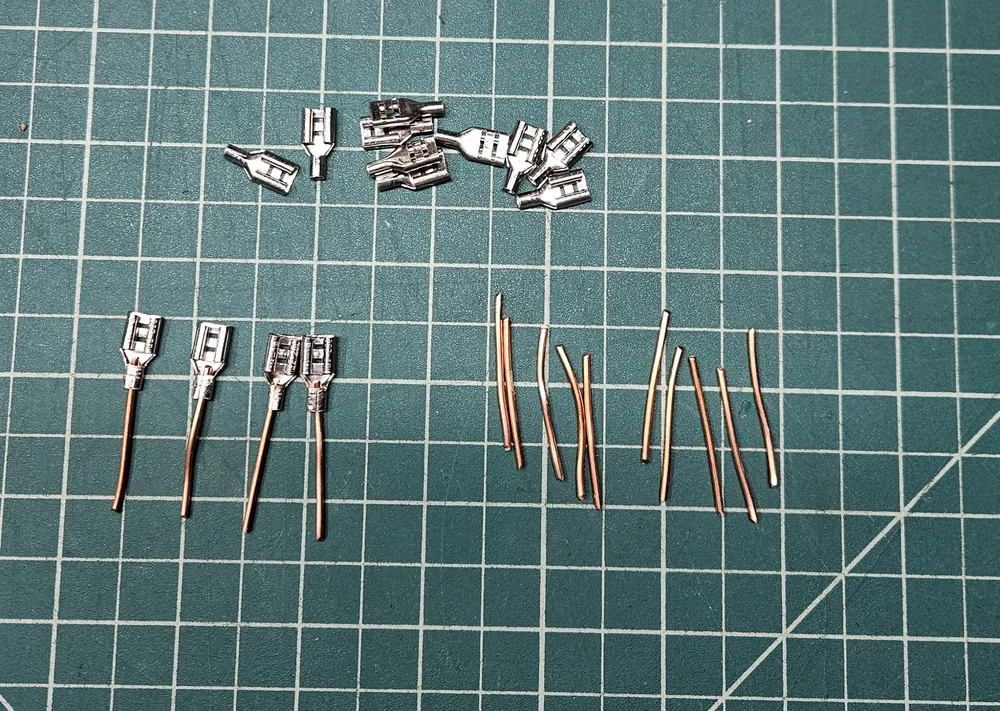
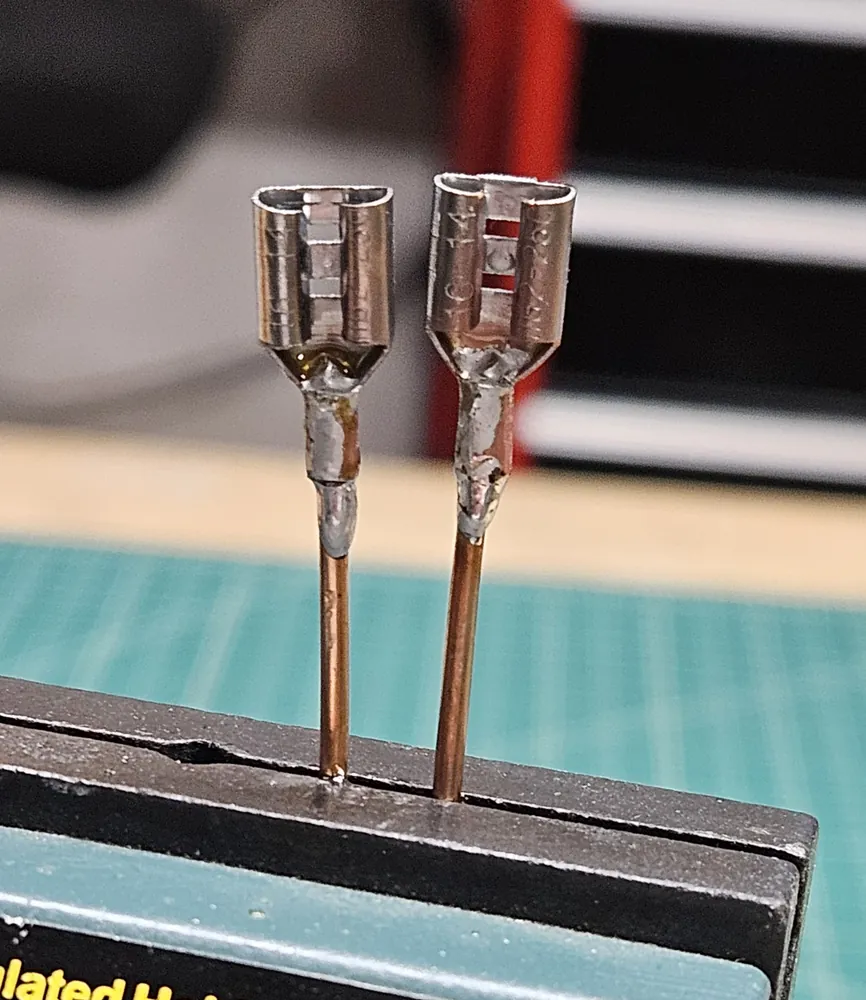
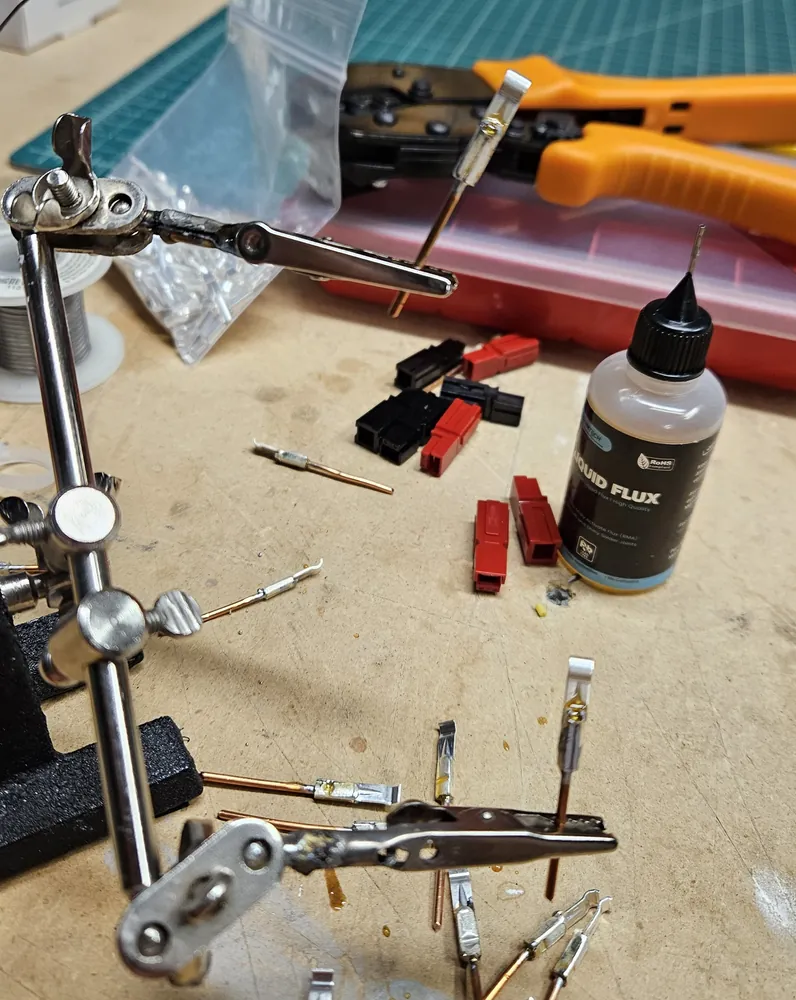
- Fuse terminals. The fuses plug into ¼-inch female spade terminals (quick disconnects). I cut short lengths of 14-gauge solid copper wire, then crimped and soldered them onto the spade terminals.
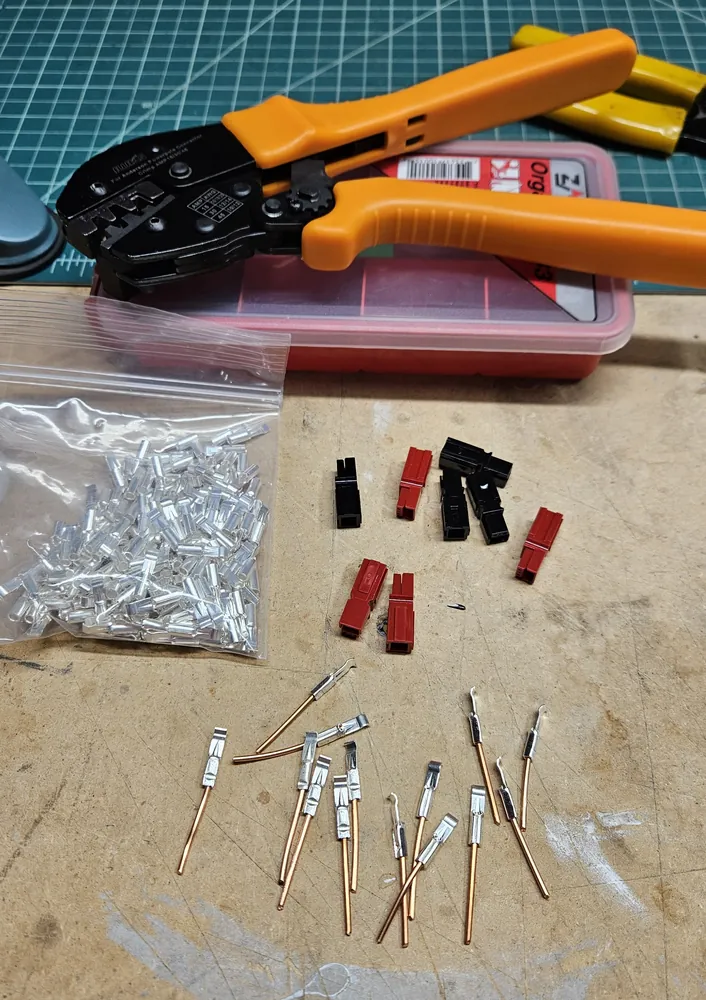
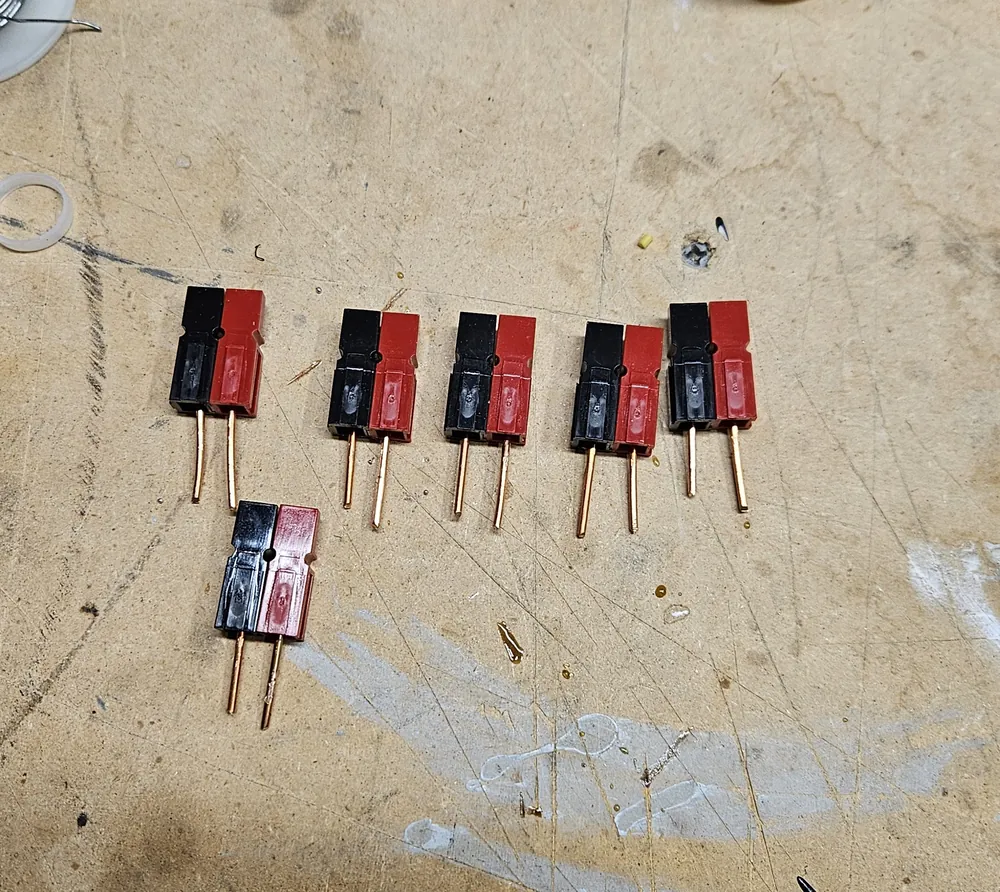
- Powerpoles. More lengths of the copper wire are crimped onto 45-amp Powerpole contacts, which then go into red and black housings.
- Assembly. The Powerpole pairs and spade terminals snap into the block. The Powerpoles may need a light tap from the back to sit flush.
- Wiring. Inside the block, the copper leads are soldered together into the negative and fuse buses, and the cover closes it up.
Parts
- 3D-printed case (block and cover) in PETG: Fused Anderson Powerpole supply block by NikDFish
- 7 Anderson Powerpole pairs (red and black housings) with 45-amp contacts
- 14 ¼-inch female spade terminals (quick disconnects) for the fuse holders
- 14-gauge solid copper wire
- Standard ATO blade fuses: 30 A for the input, and 25, 5, 5, 3, 2 and 2 A for the outputs
Links
Credits
The case design is by NikDFish, shared on Thingiverse under a Creative Commons Attribution, Non-Commercial, Share-Alike license. NikDFish also has a Fusion 360 version on Printables where you can set the number of circuits.