
Tandy Color Computer 3
A vintage 8-bit home computer from 1986, brought up to date with an SD card drive and a memory upgrade, then put on the air with packet radio.
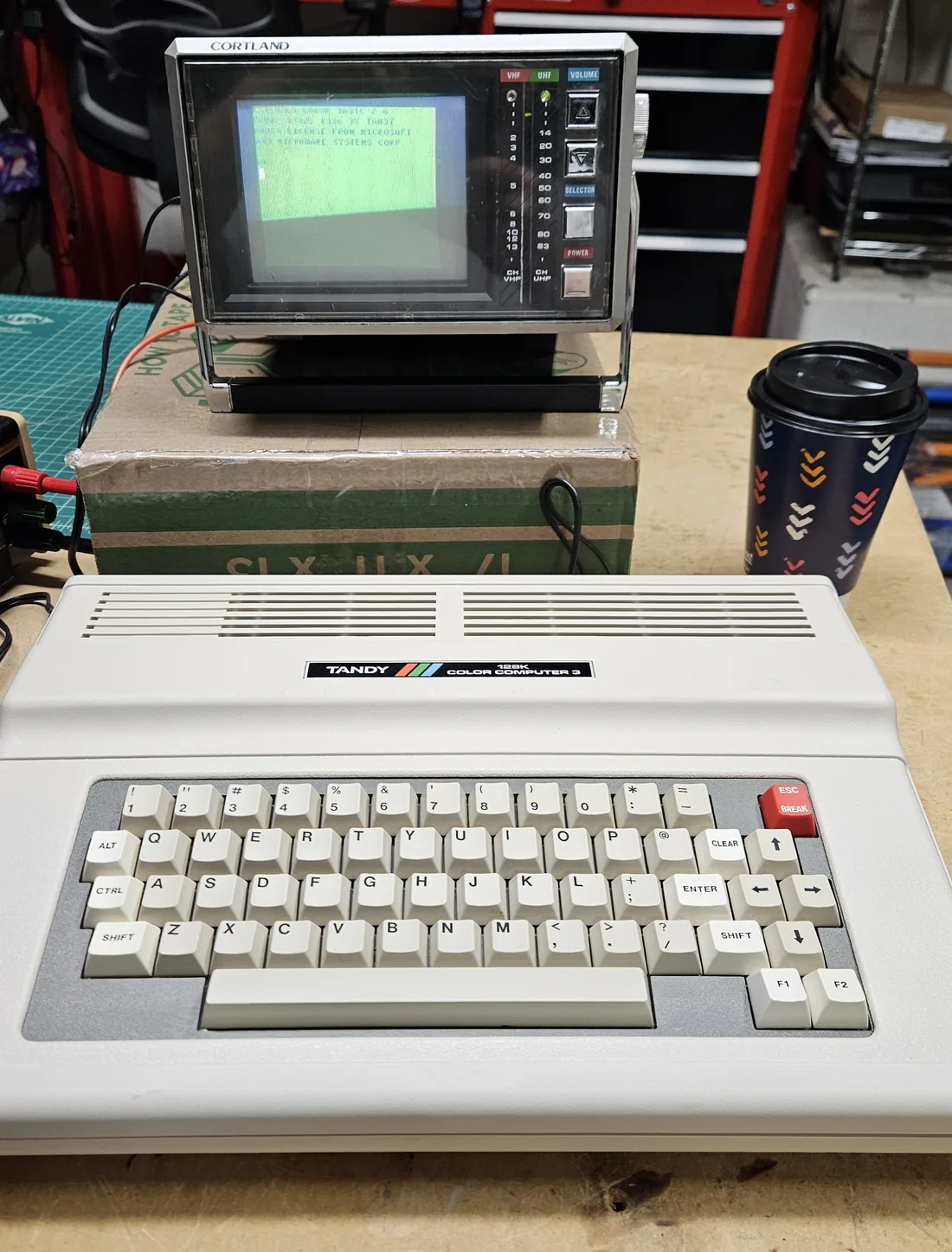
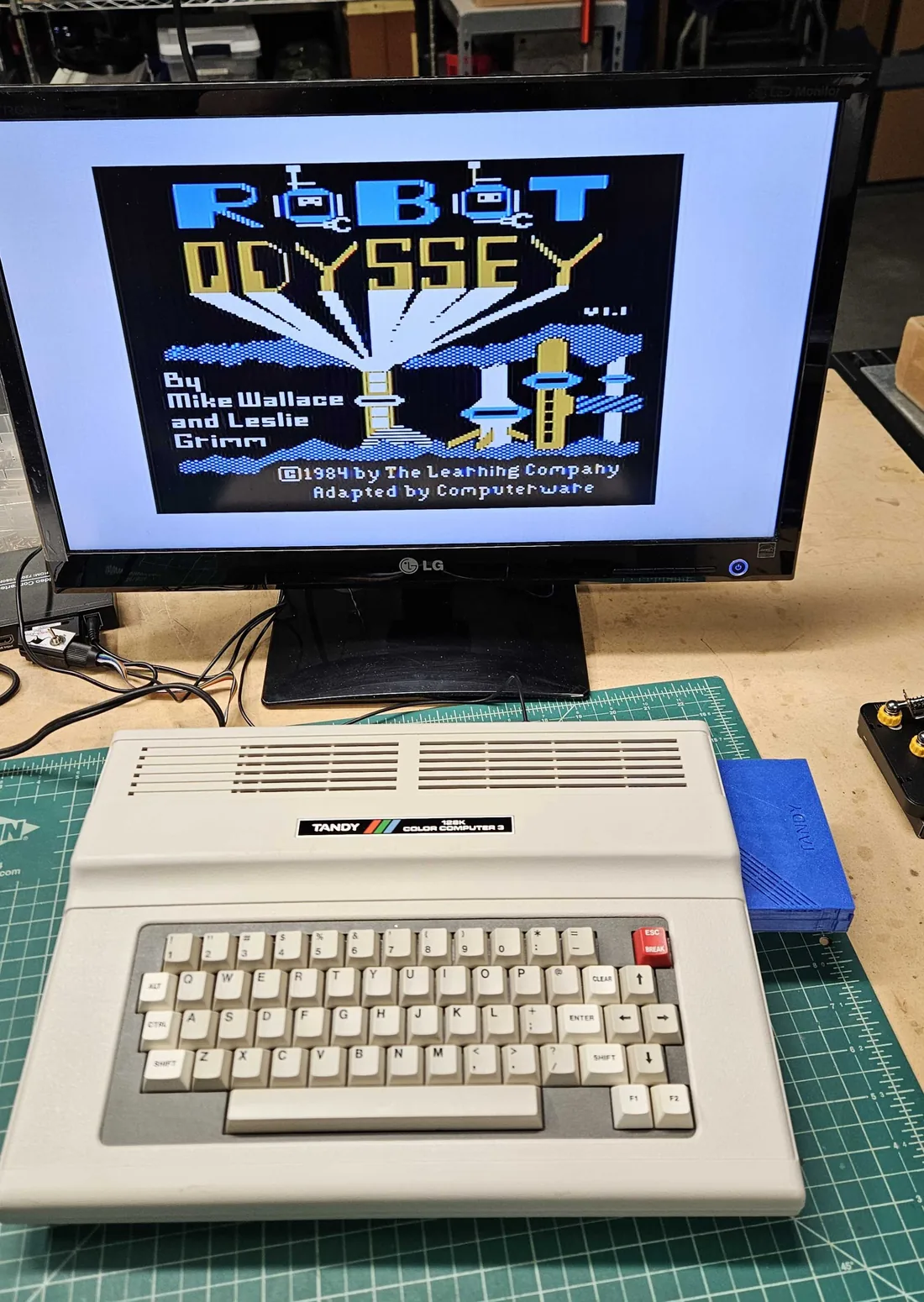
The Tandy Color Computer 3, or CoCo 3, was the last of Radio Shack's Color Computer line. It came out in 1986 with a Motorola 68B09E processor and 128K of memory. Mine was a stock 128K machine, but it has since been upgraded a step at a time.
After power-up the CoCo 3 starts in the classic green 32-column text screen. Typing WIDTH 40 or
WIDTH 80 switches it to the sharper 40- and 80-column screens. The first thing I ran on it was the
program everybody runs first:
10 PRINT "HELLO"
20 GOTO 10
RUN
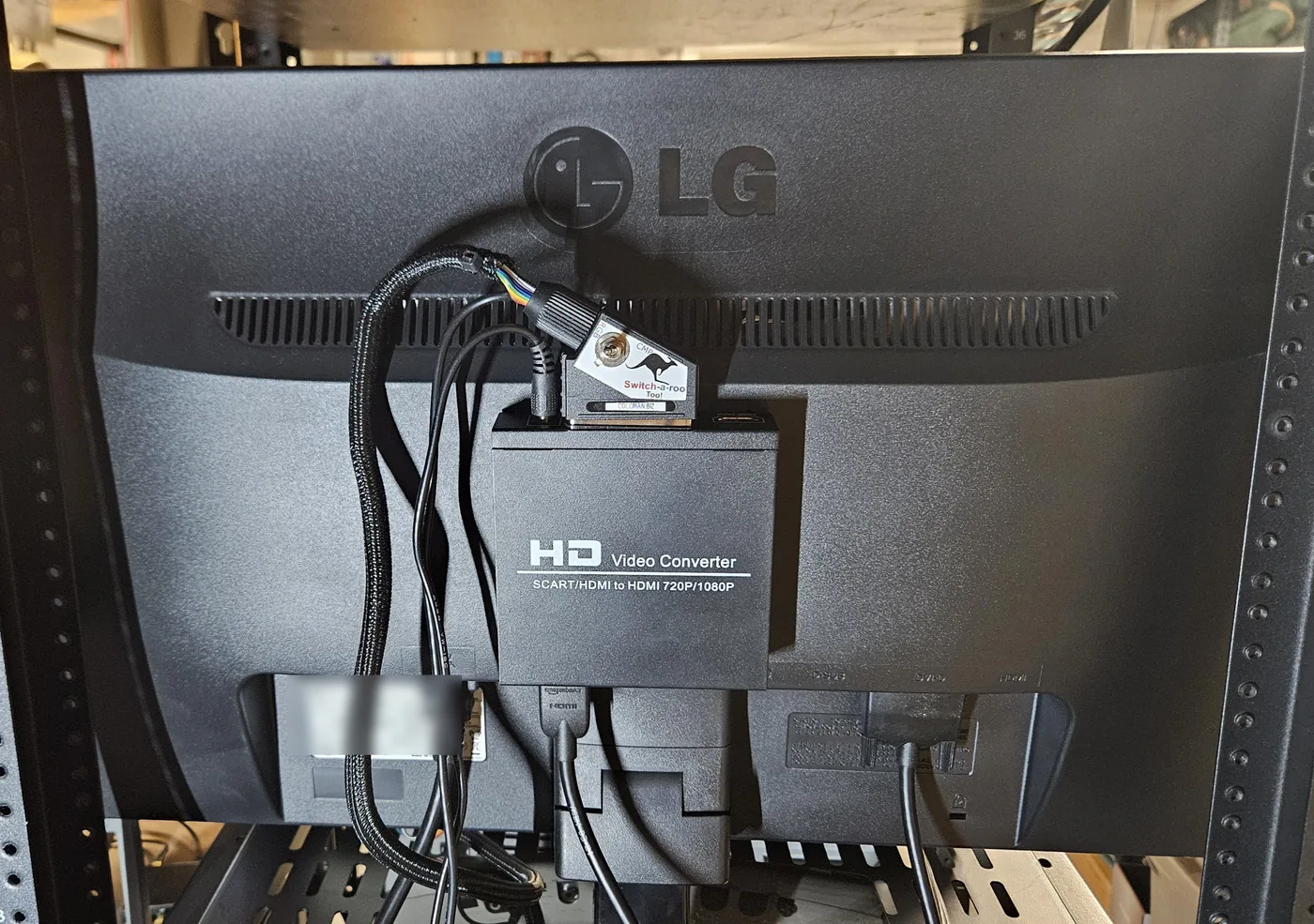
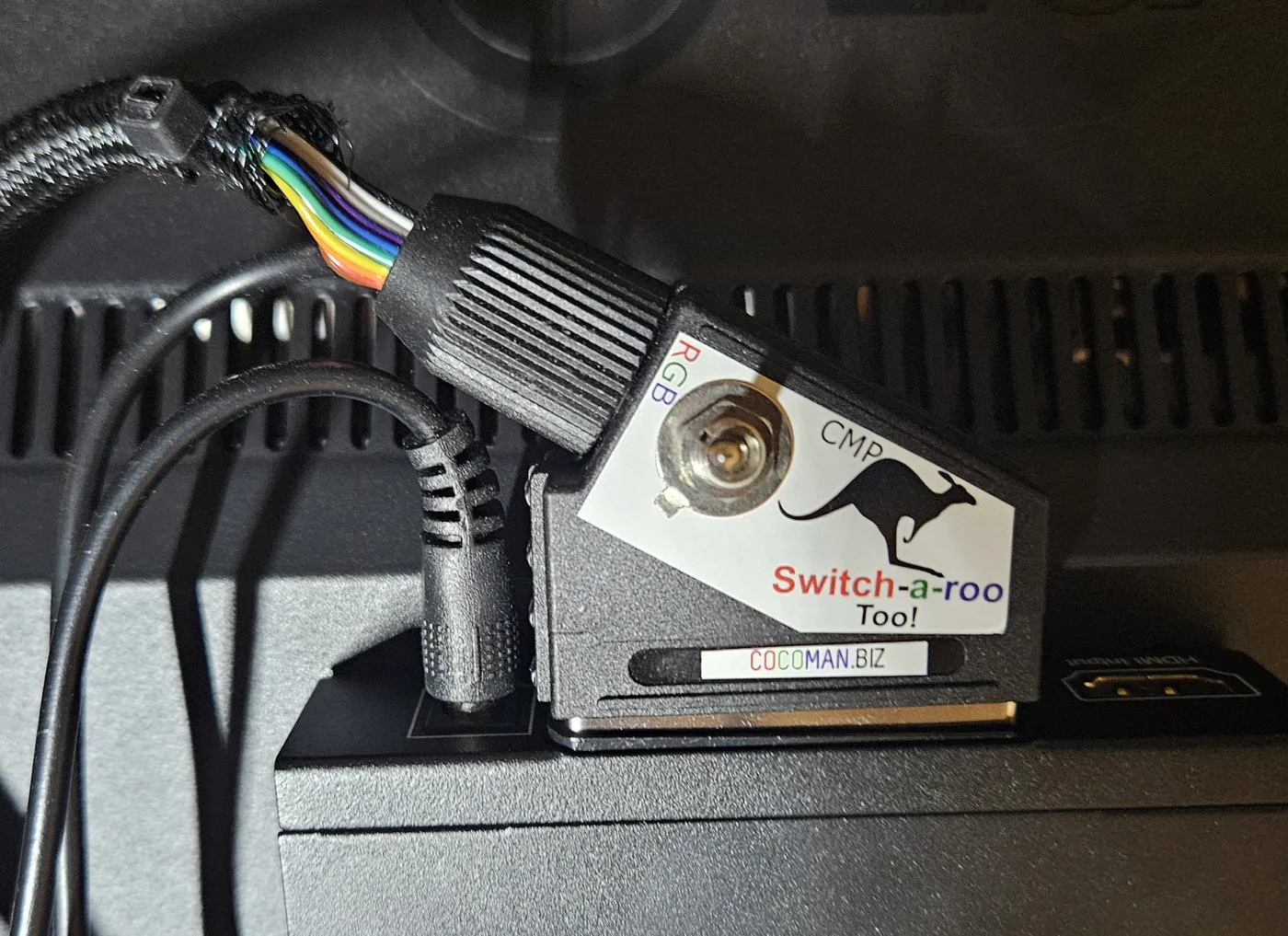
To use a modern monitor I am using the Switch-a-roo SCART cable along with a SCART to HDMI converter box. The cable plugs into the CoCo 3's RGB video port, and a switch on it changes between the crisp RGB picture and composite video. The converter box, a small 1080p scaler, turns the SCART signal into HDMI for the monitor.
This short video is the first test of the newly acquired computer, connected to a vintage portable Cortland transistor TV, Model No. CT-500. Notice the dark band rolling across the TV screen. That is a refresh rate mismatch between the TV and the phone recording the video: the TV redraws its picture about 60 times a second, and the phone camera captures frames at its own rate, so the two drift in and out of step. It only shows up on camera.
1. An SD card in place of a floppy drive
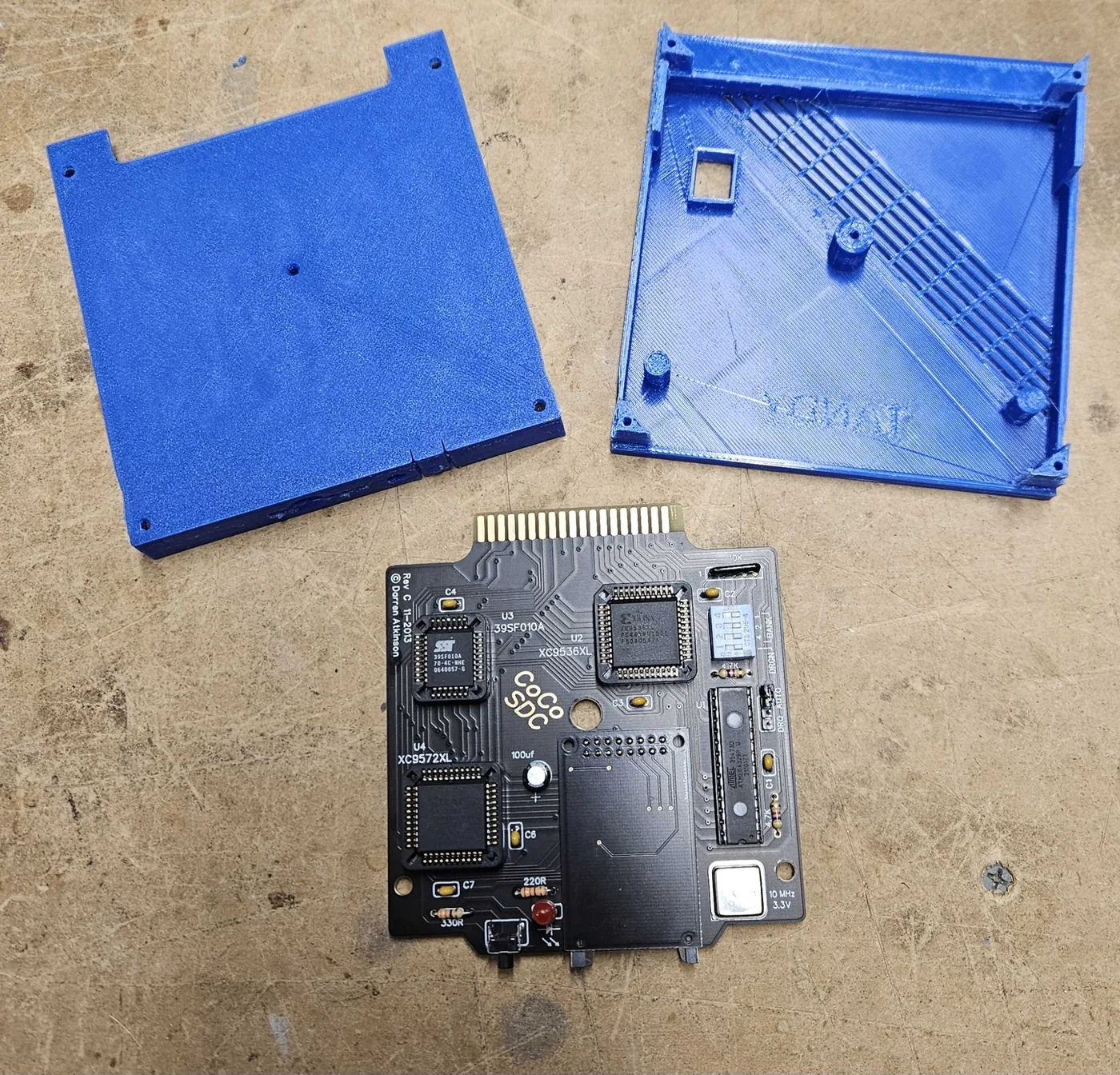
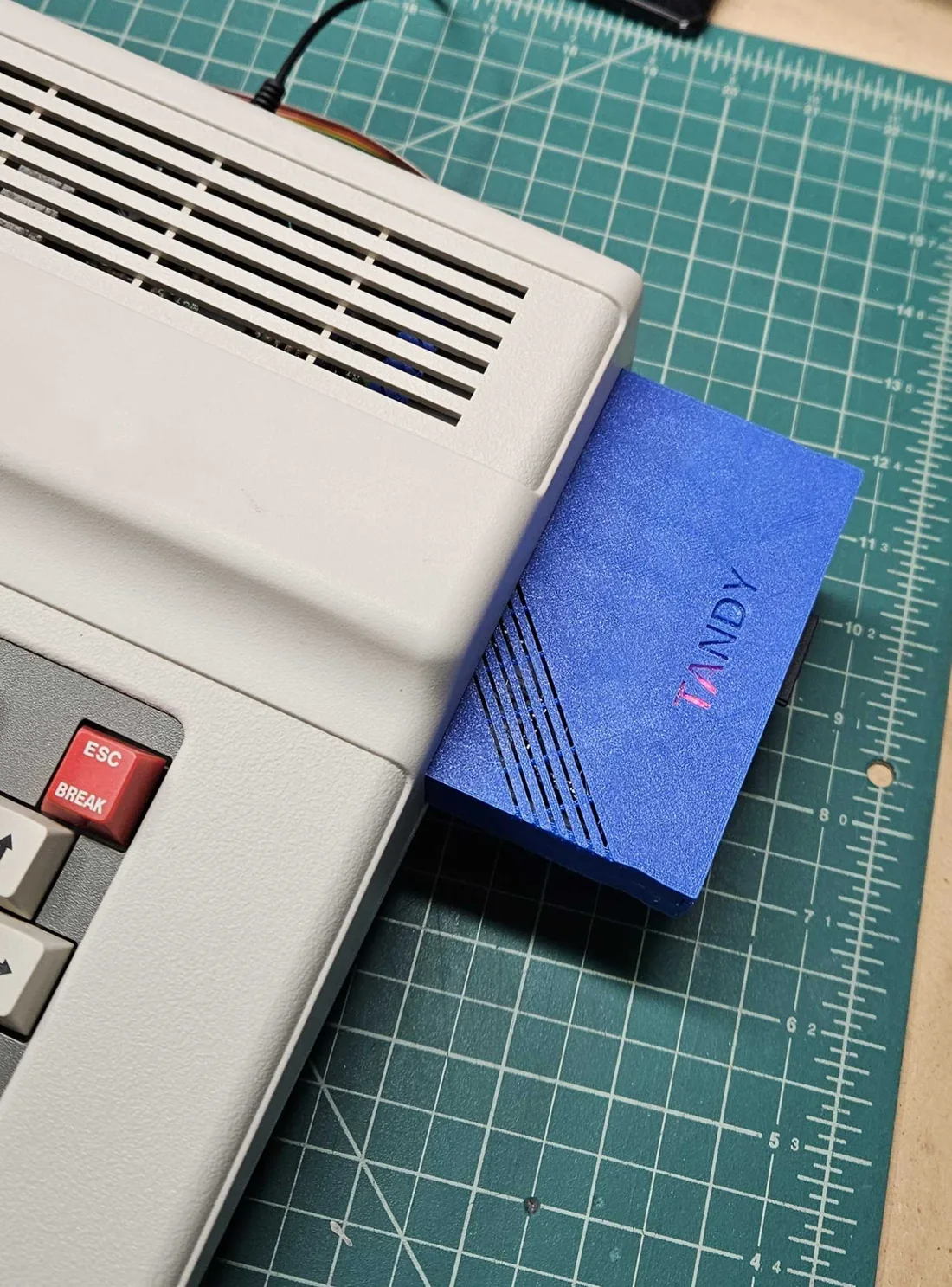
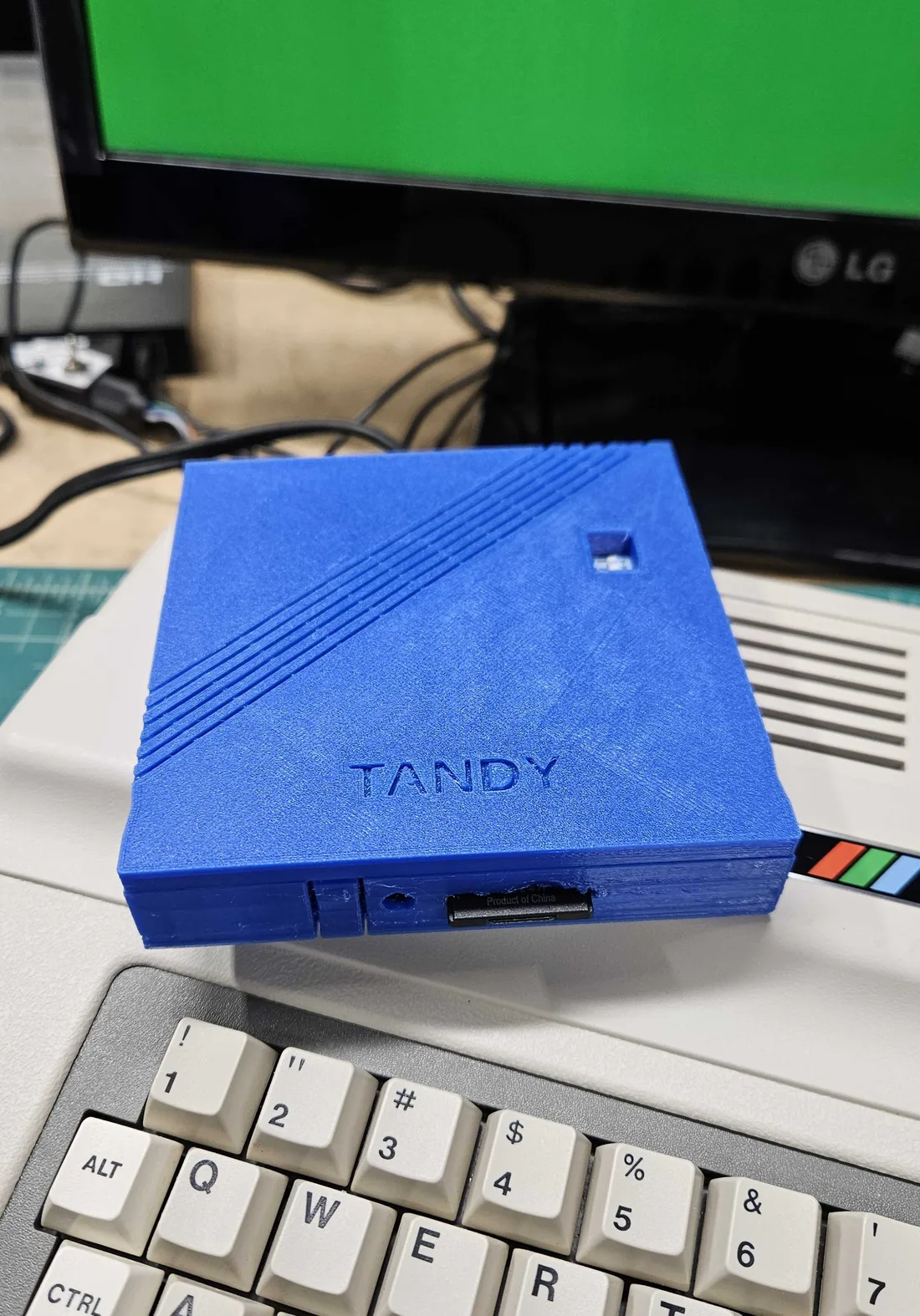
The first job was a way to load and save programs. I built a CoCo SDC, an SD-card disk drive emulator that plugs into the cartridge slot. The computer treats it like a floppy drive, but the "disks" are files on an SD card. I also 3D printed a ROM pack housing for it, so it looks at home in the side of the computer.
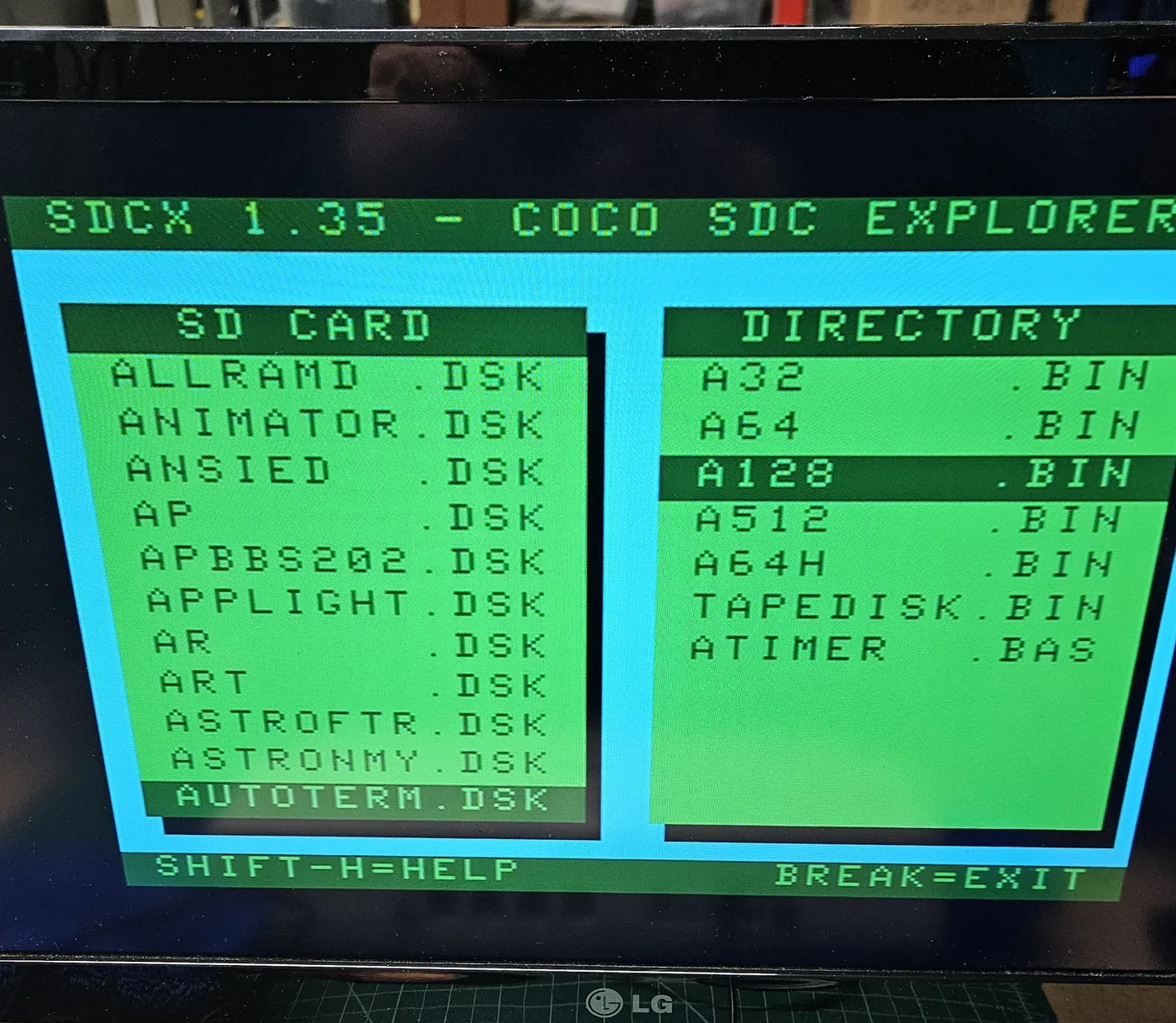
The SD card holds a large library of Color Computer software and games. A menu program on the card, SDC Explorer, lists the disk files and starts them.
2. From 128K to 512K
PSA: the RAM shortage isn't a problem if you use an 8-bit computer. I upgraded the Color Computer 3 from 128K to 512K with a Boomerang Classic 512K RAM board.
- Remove the original 128K worth of RAM chips from their sockets.
- Snip two capacitors on the main board.
- Plug the new Boomerang 512K RAM board into the empty sockets.
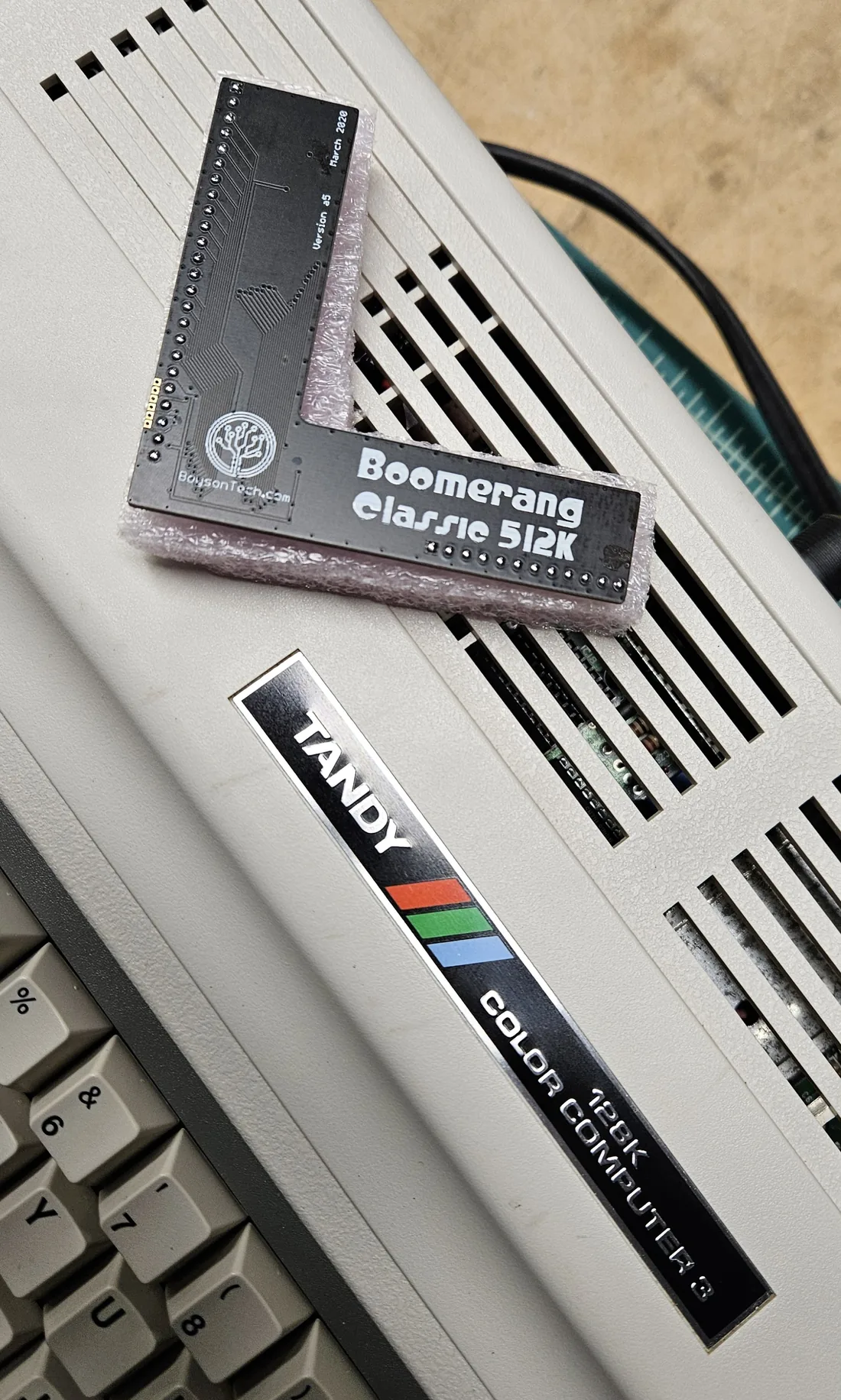
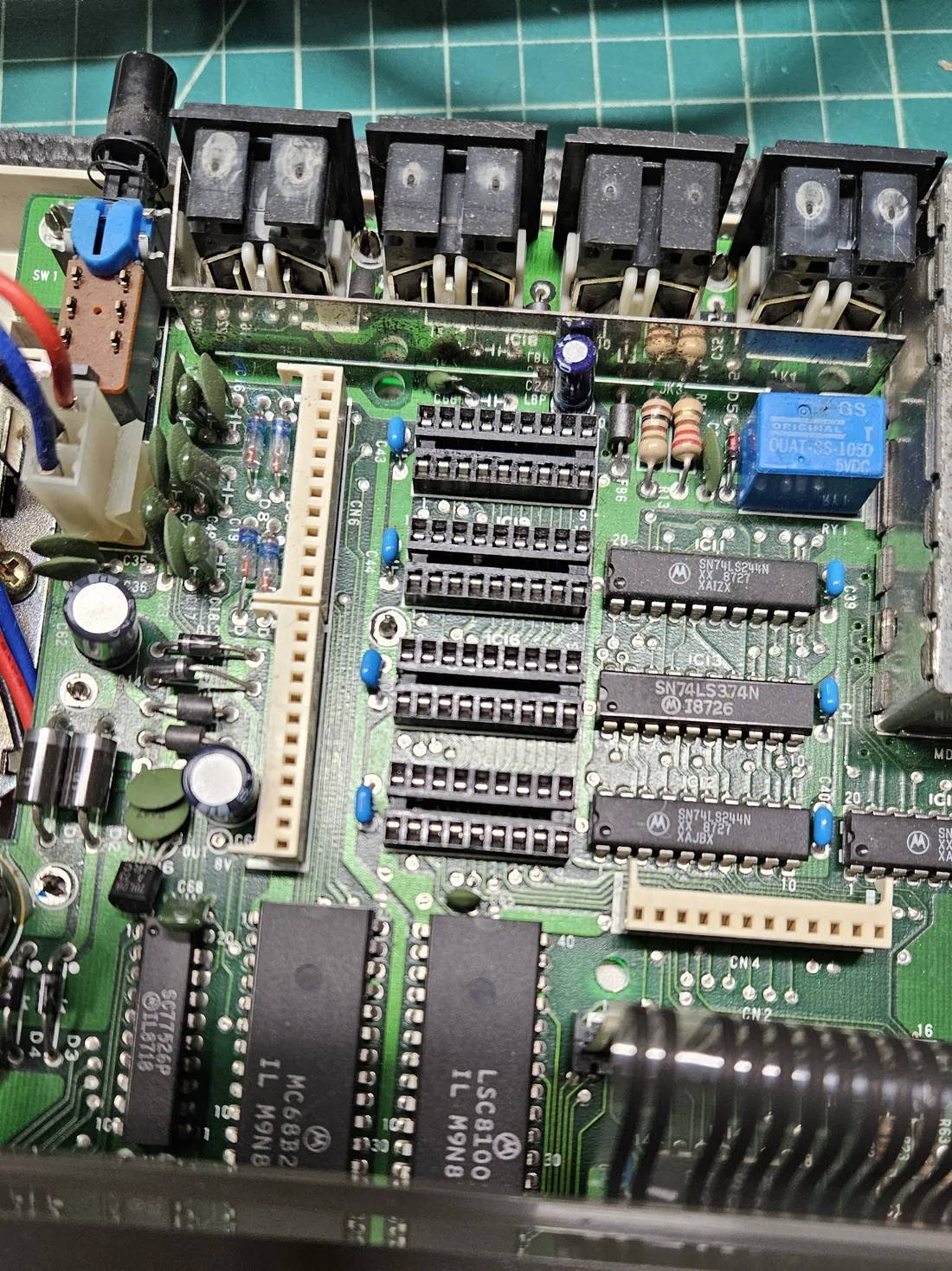
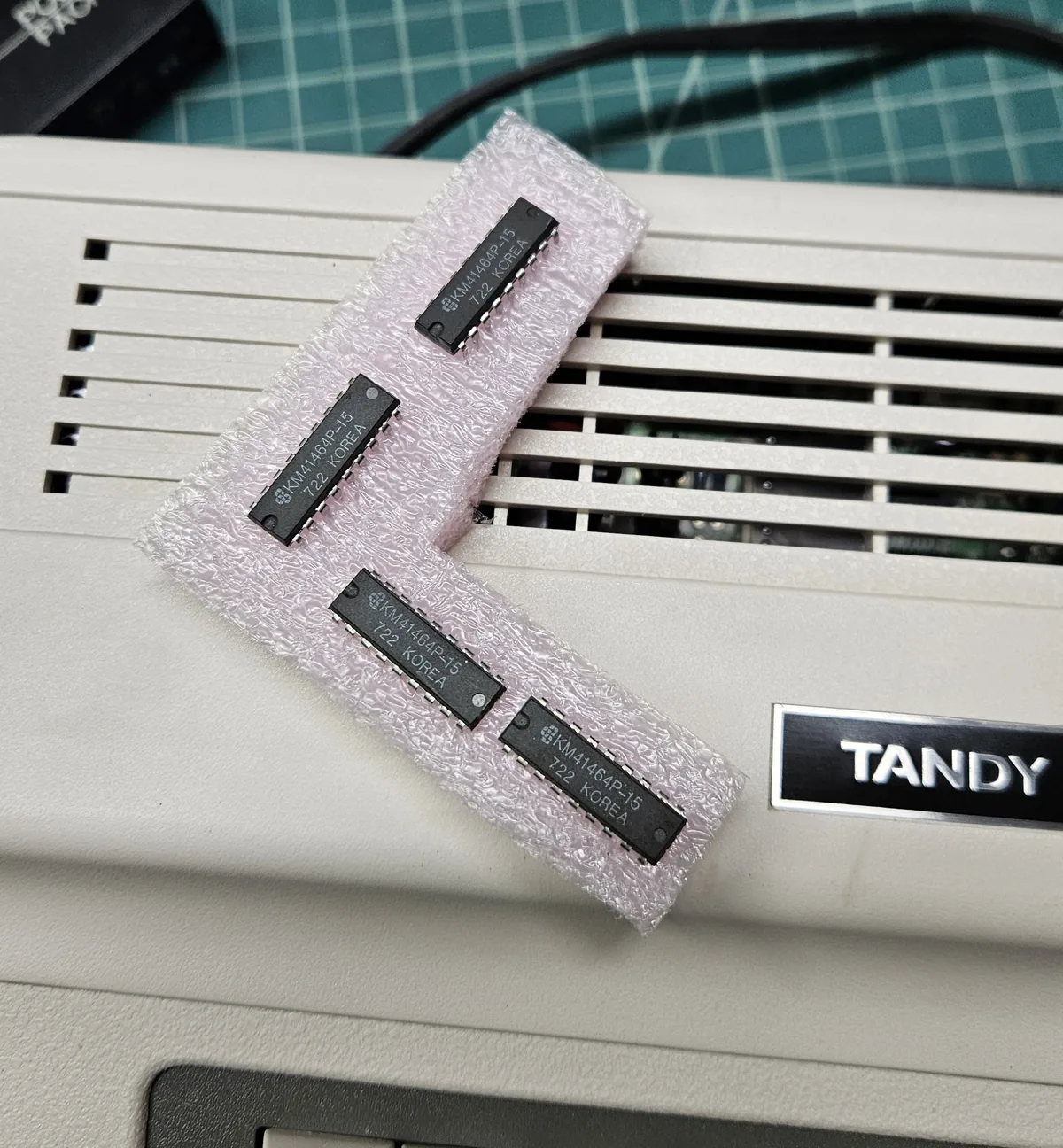
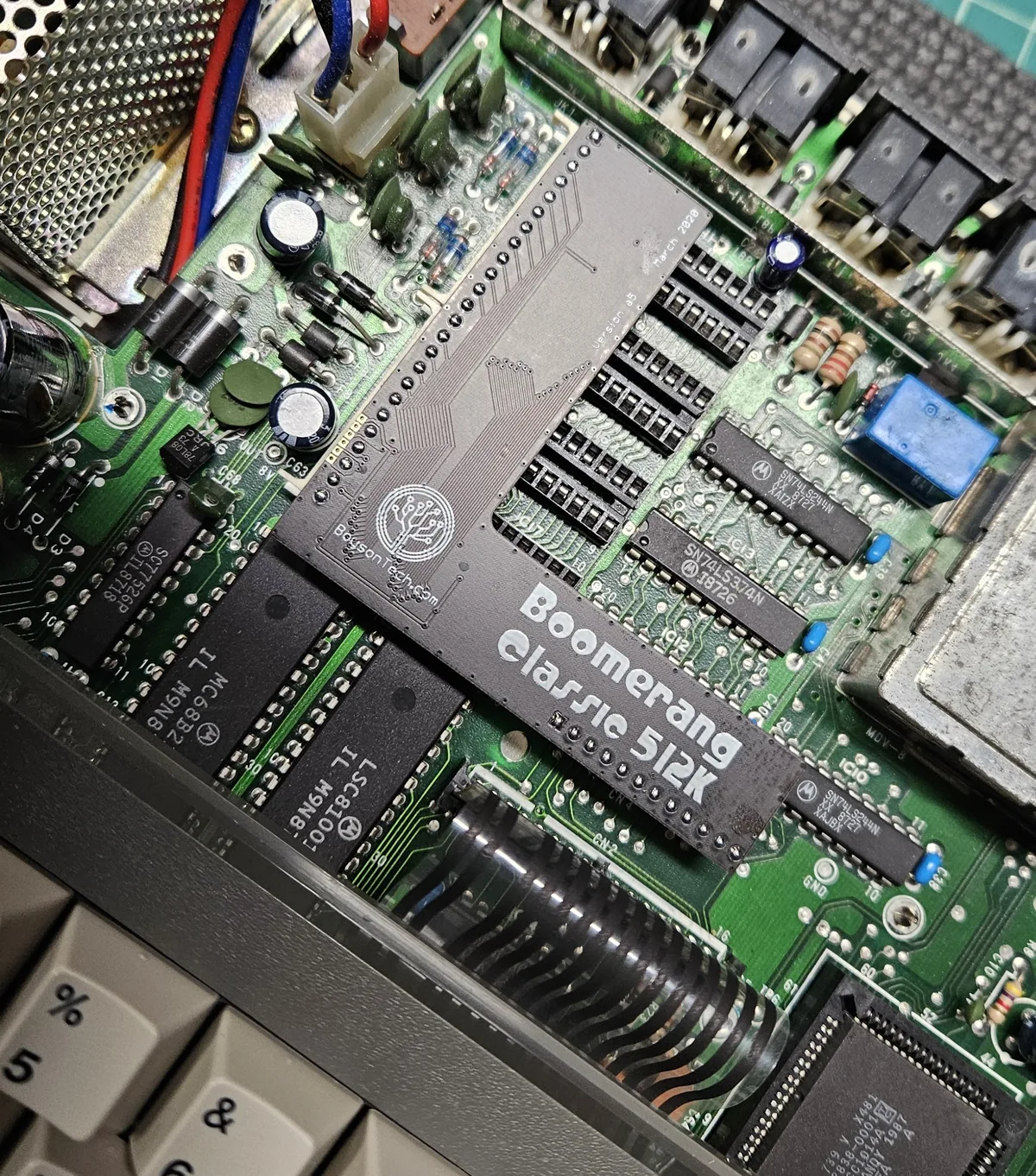
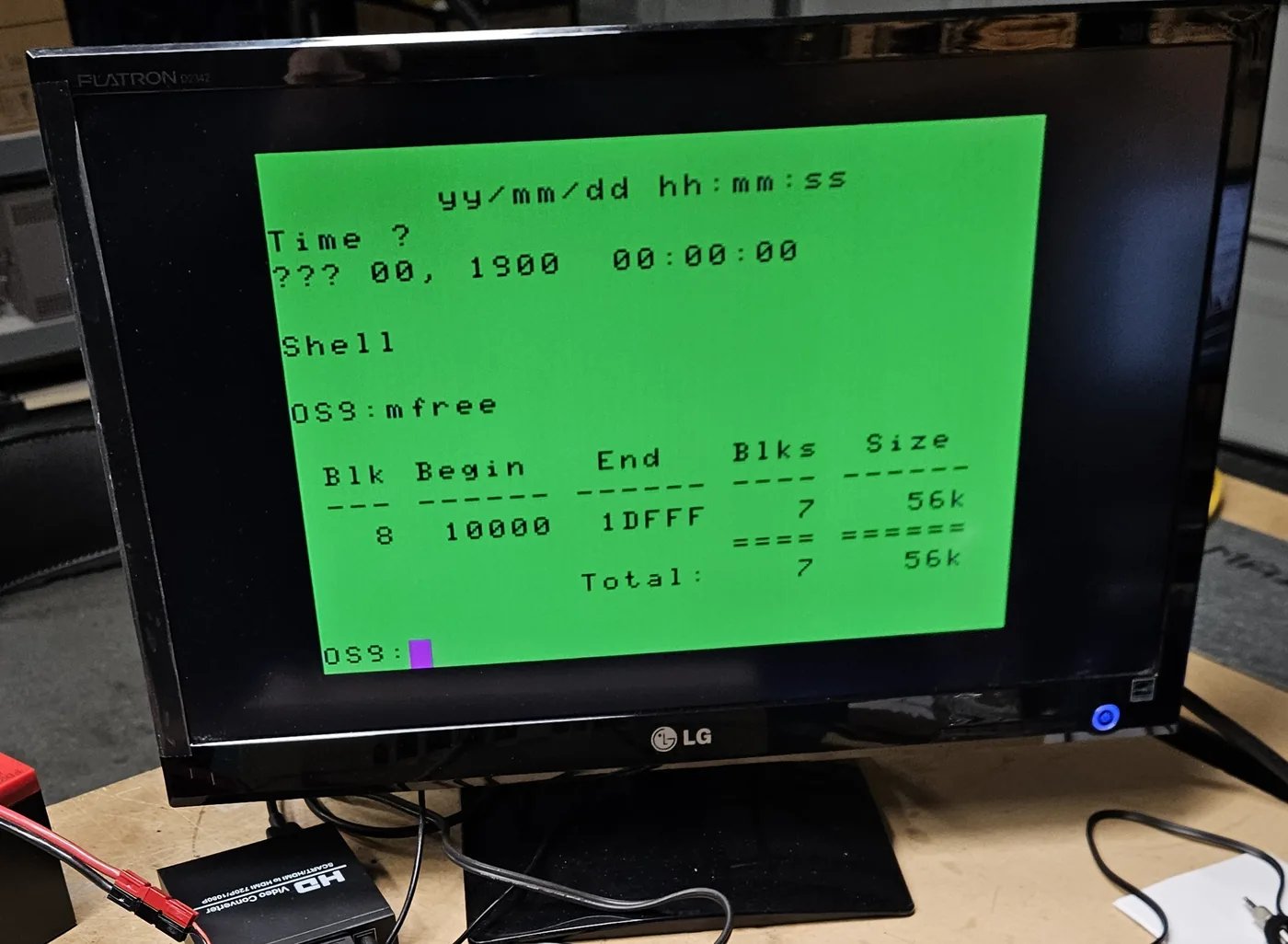
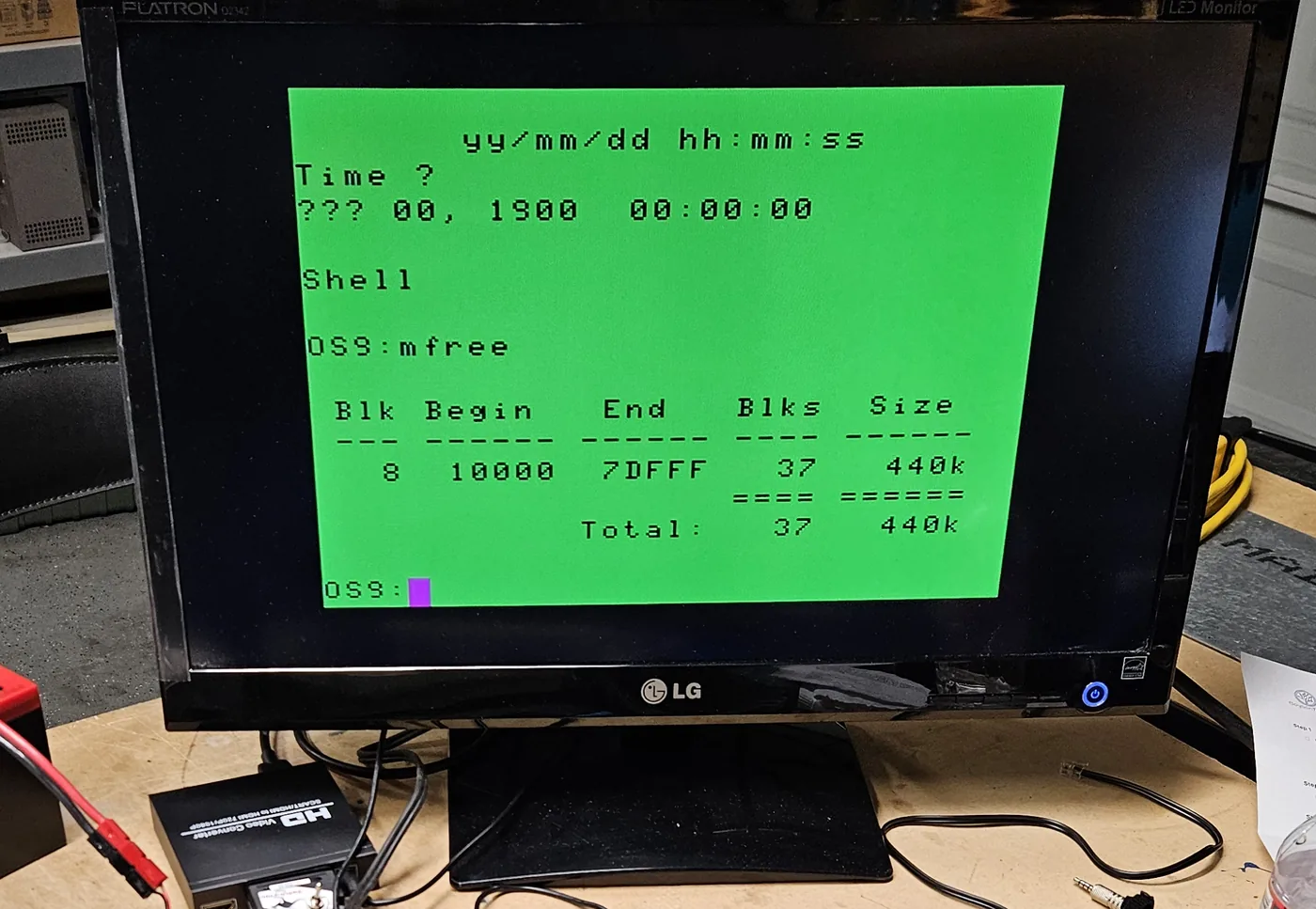
To check the result I ran the OS-9 memory test, mfree, before and after. OS-9 itself uses 72K
either way, so the free memory went from 56K to 440K.
3. Terminal programs
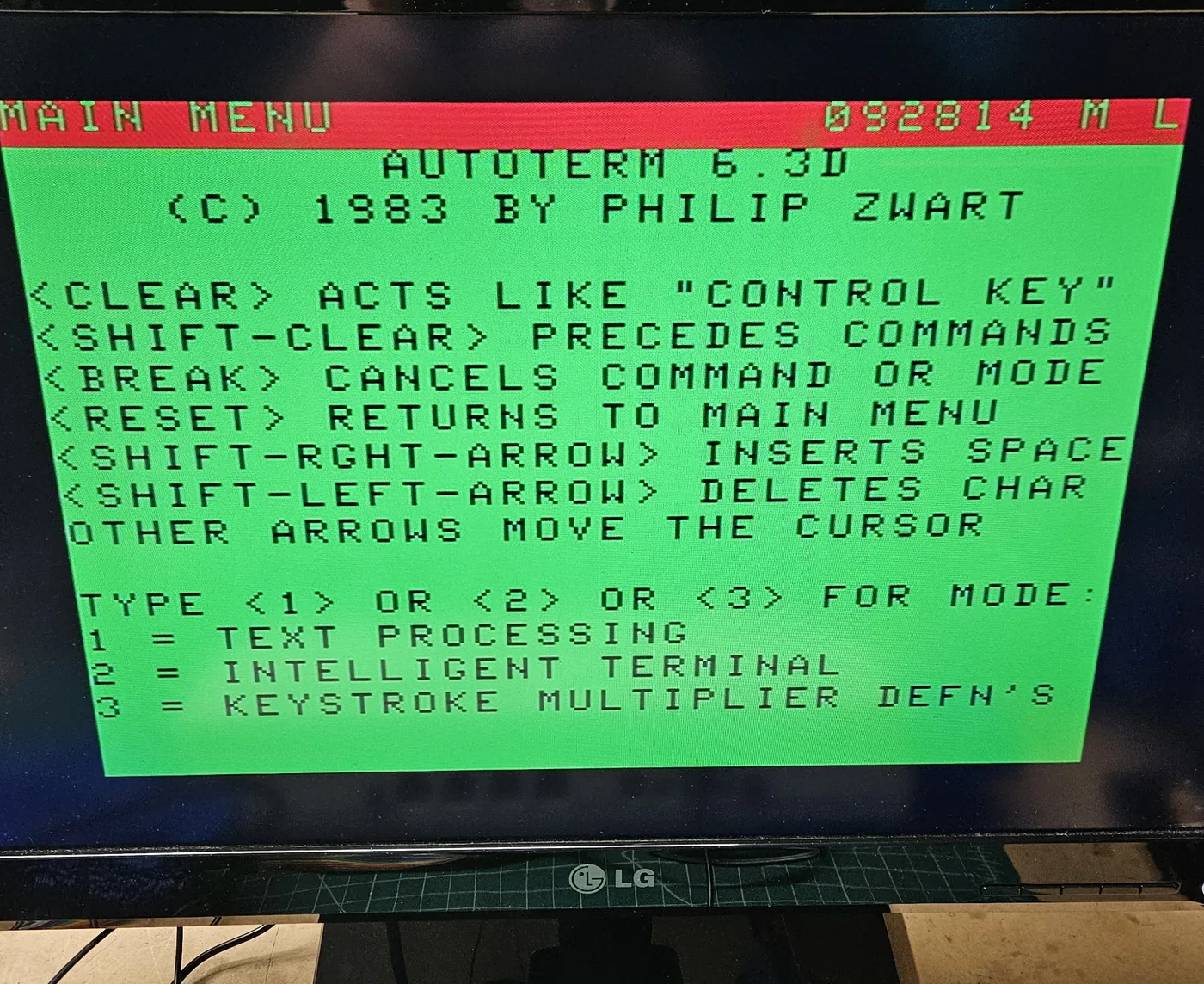
A terminal program turns the CoCo into a keyboard and screen for whatever is on the other end of its serial port. I tried several from the SD card. The two I use are VTerm, with a modern-looking 80-column screen, and AutoTerm from 1983. How about a more traditional Color Computer screen look? This is with AutoTerm:
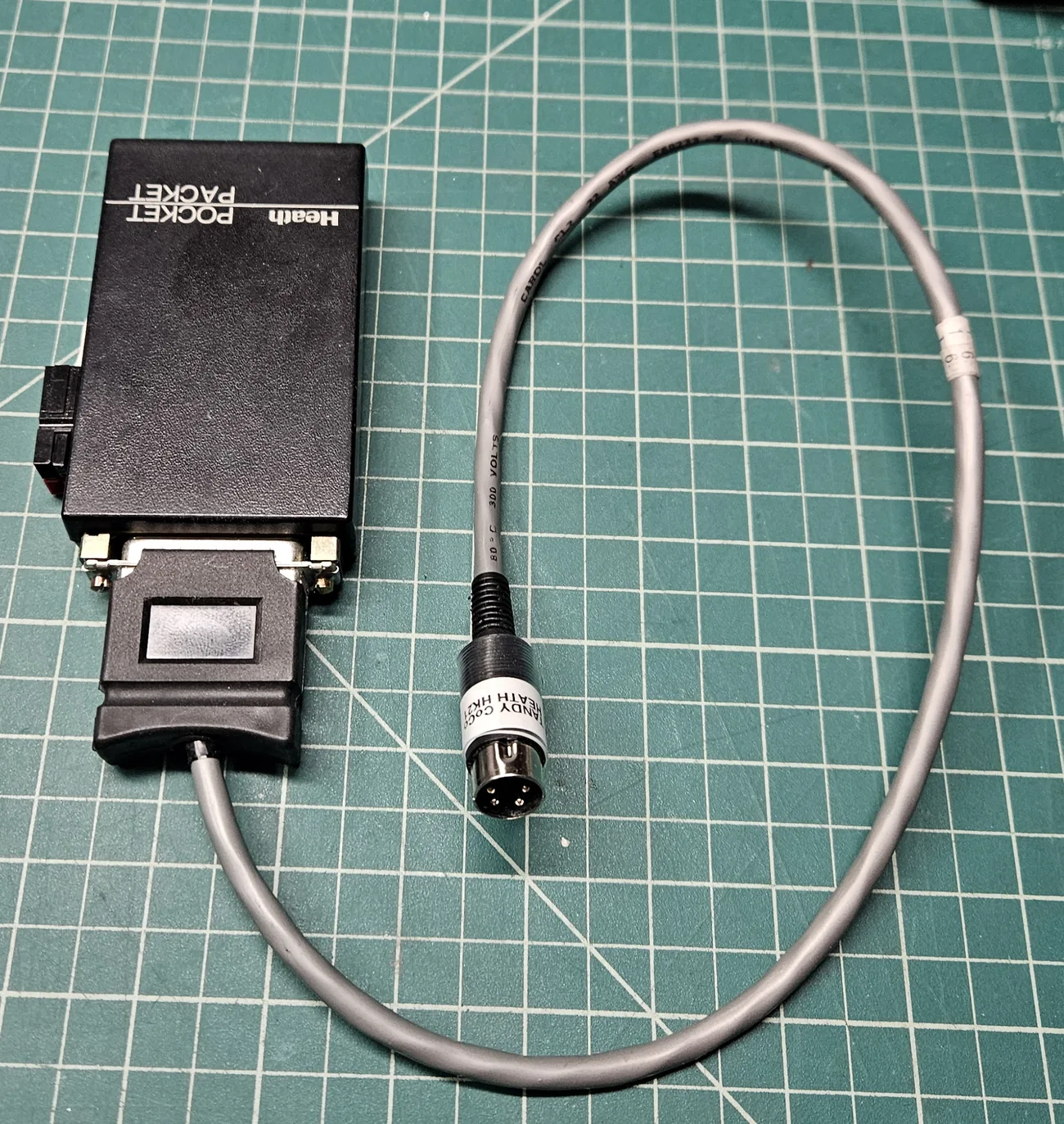
The serial port is the 4-pin DIN jack on the back of the computer, marked Serial I/O. These are the settings that work with my Heath Pocket Packet HK-21:
| Setting | Value |
|---|---|
| Speed | 1200 baud |
| Data bits | 8 |
| Stop bits | 1 |
| Parity | None |
| Duplex | Full |
| Flow control | None |
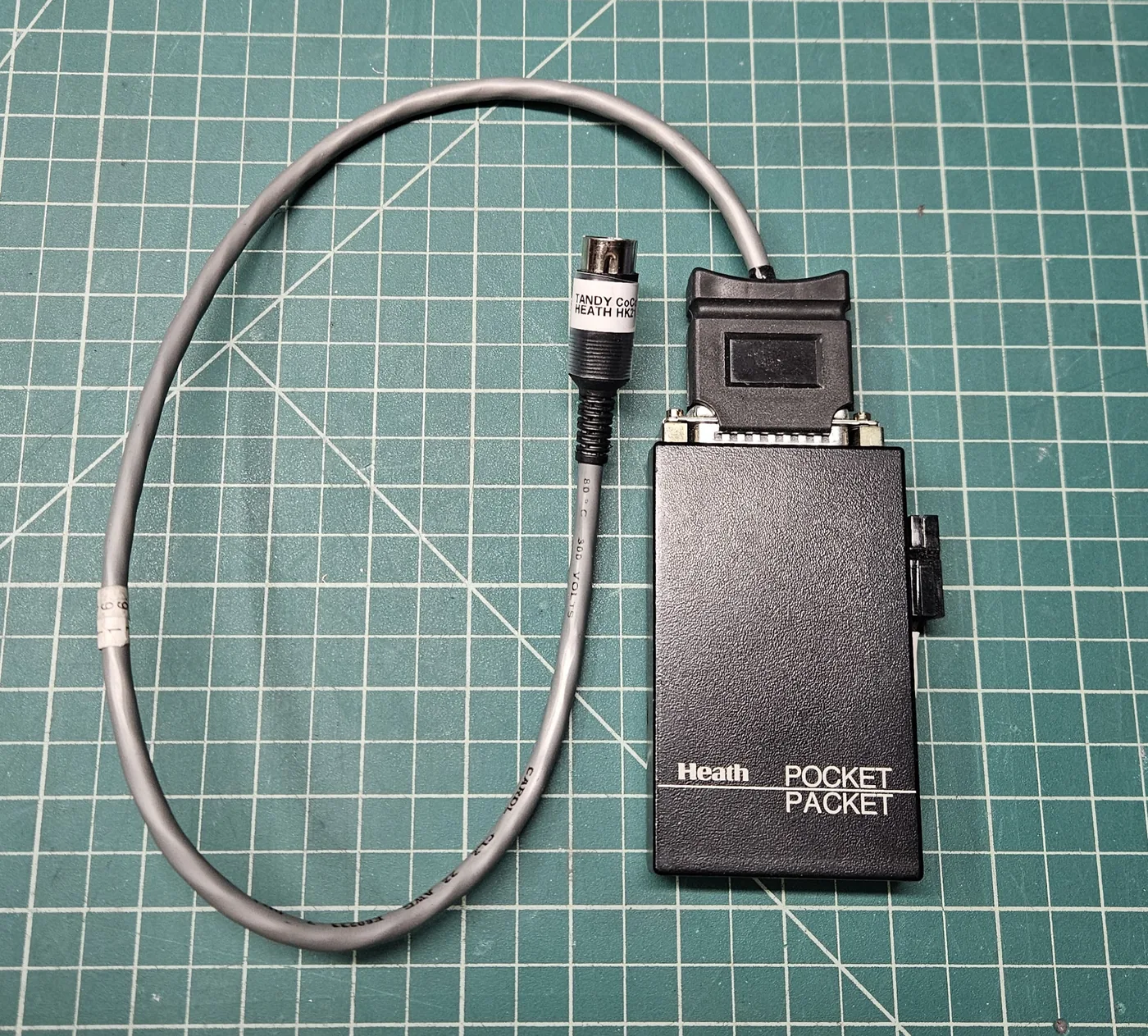
The CoCo 3 and the HK-21 are joined by a custom-made cable: a DB-25 plug for the HK-21 on one end and a 4-pin DIN plug for the CoCo 3 Serial I/O jack on the other.
4. On the air with packet radio
This is where the computer meets ham radio. I connected the CoCo's serial port to my Heath HK-21 Pocket Packet TNC, the same one in my Vintage Packet BBS Station, and connected over the air to a local packet BBS, the personal mailbox of KF7PSM. Then I left a message on it: "From the CoCo!"
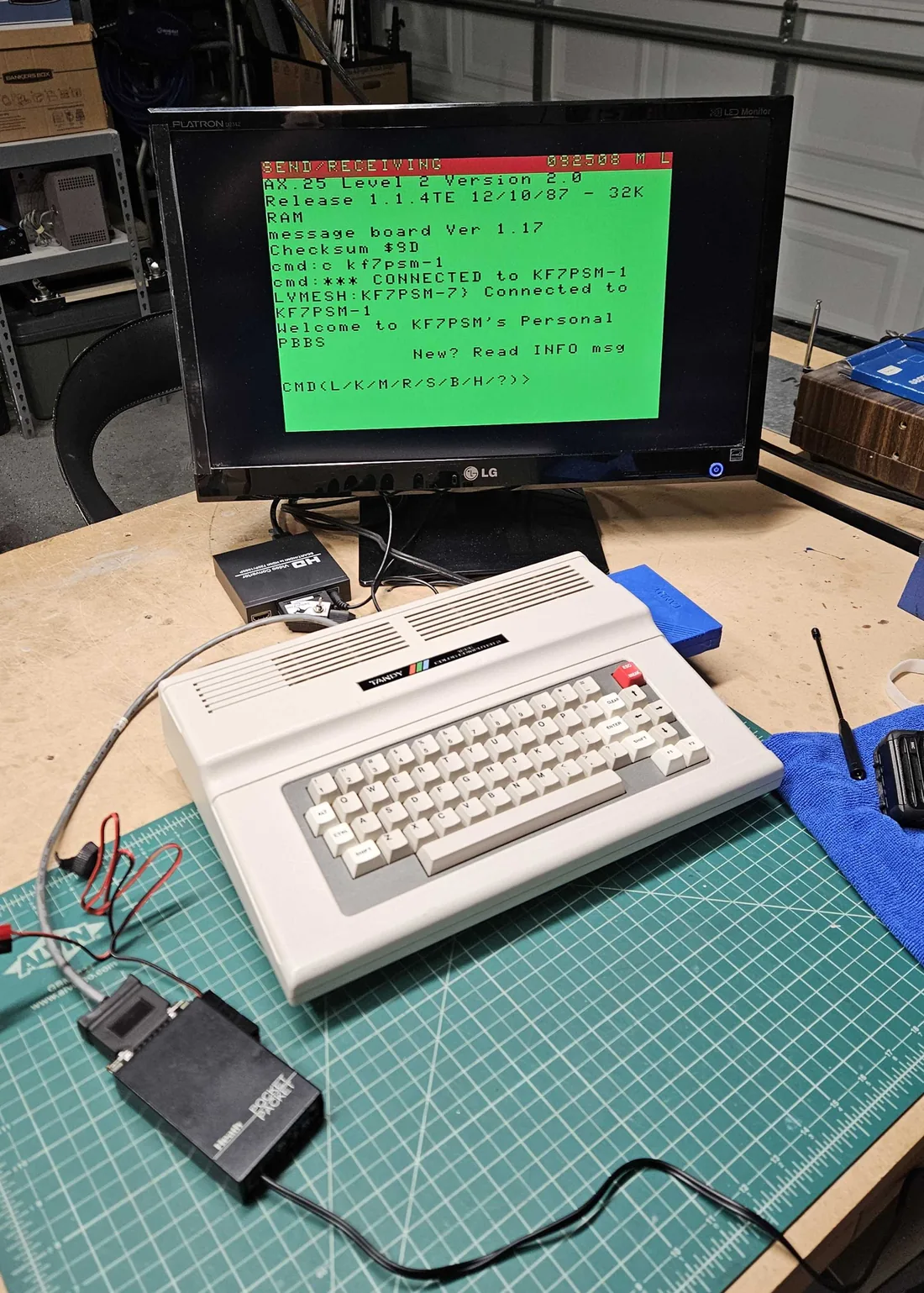
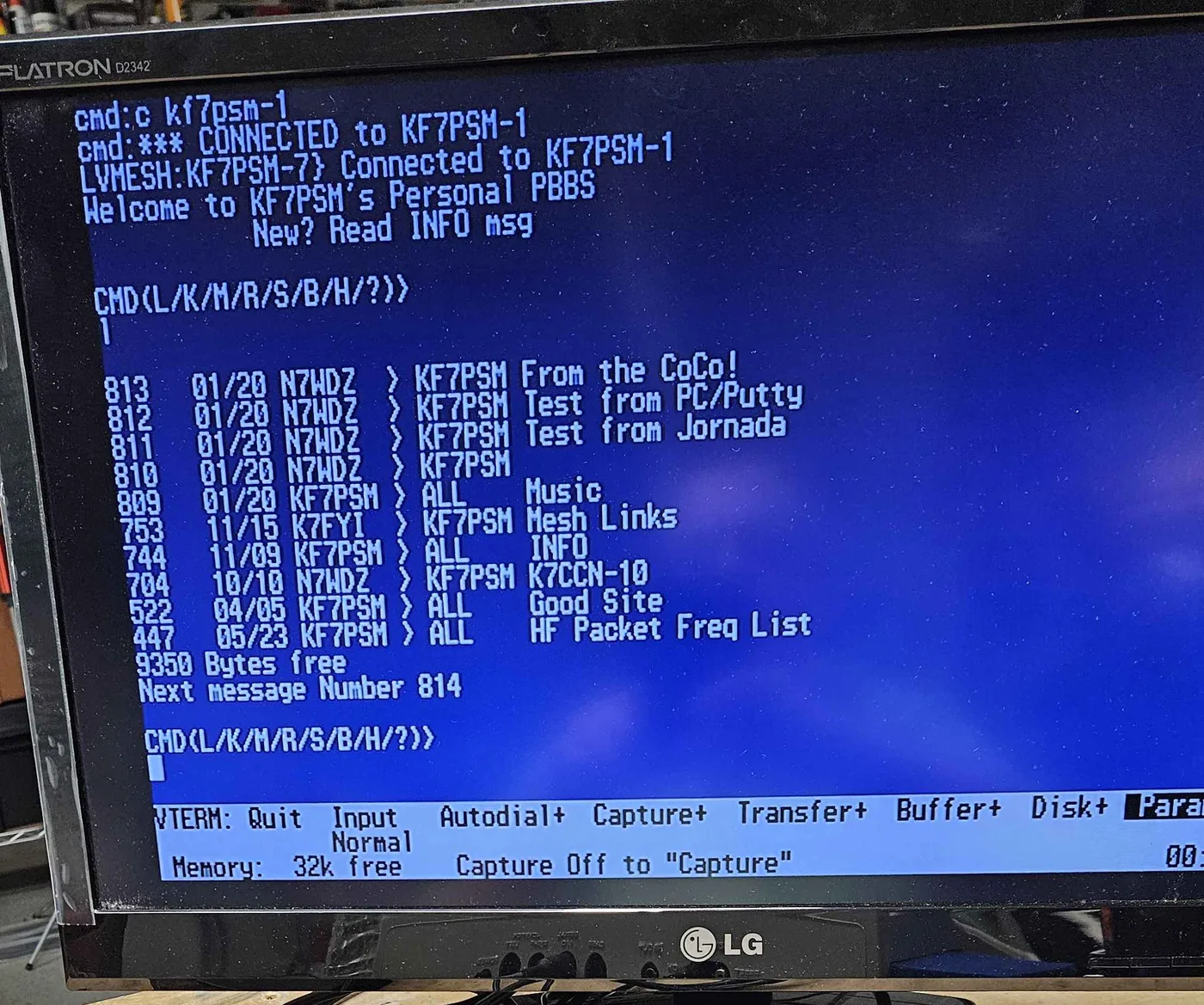
In this short video the CoCo is testing with the HK-21. The terminal program on the screen is VTerm.
5. At home on the rack
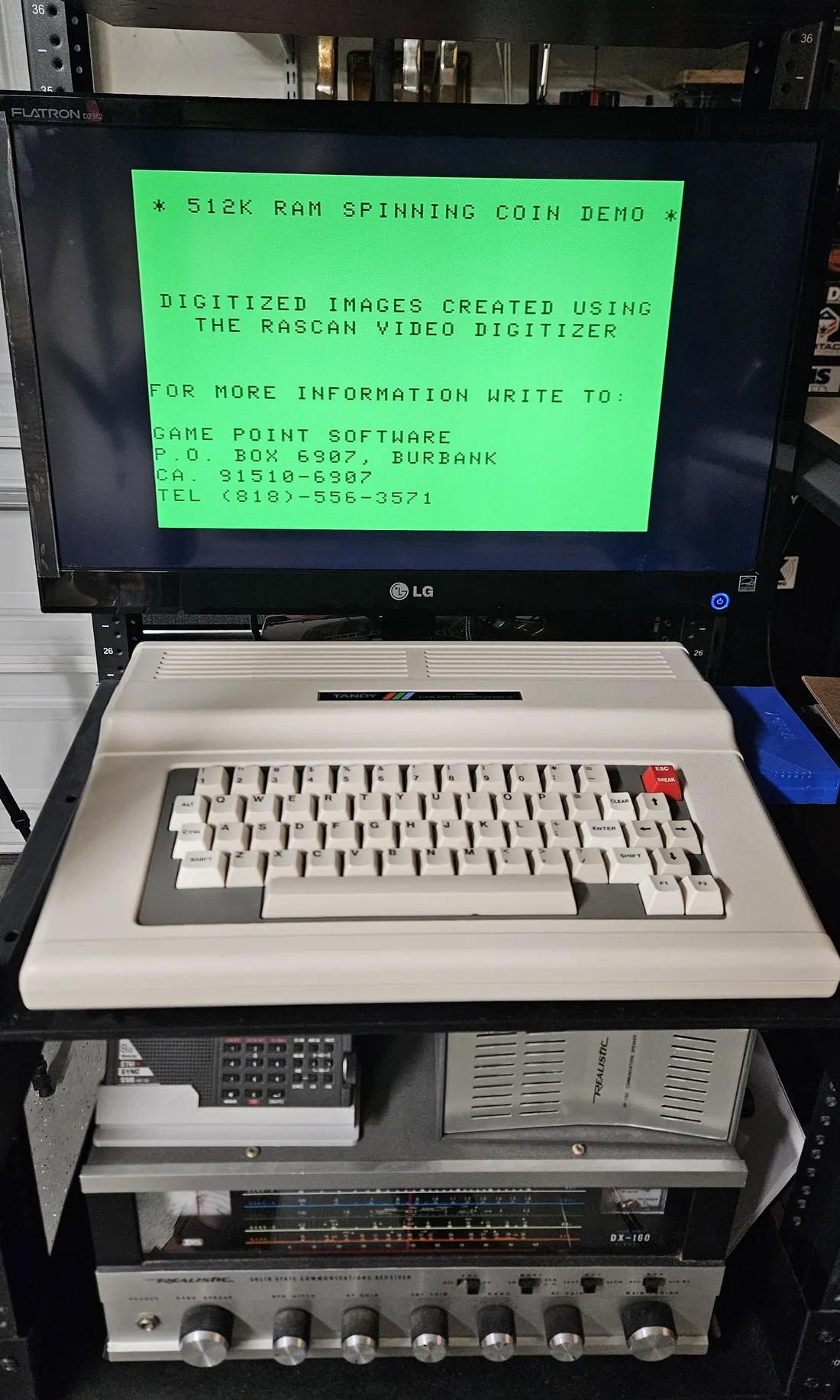
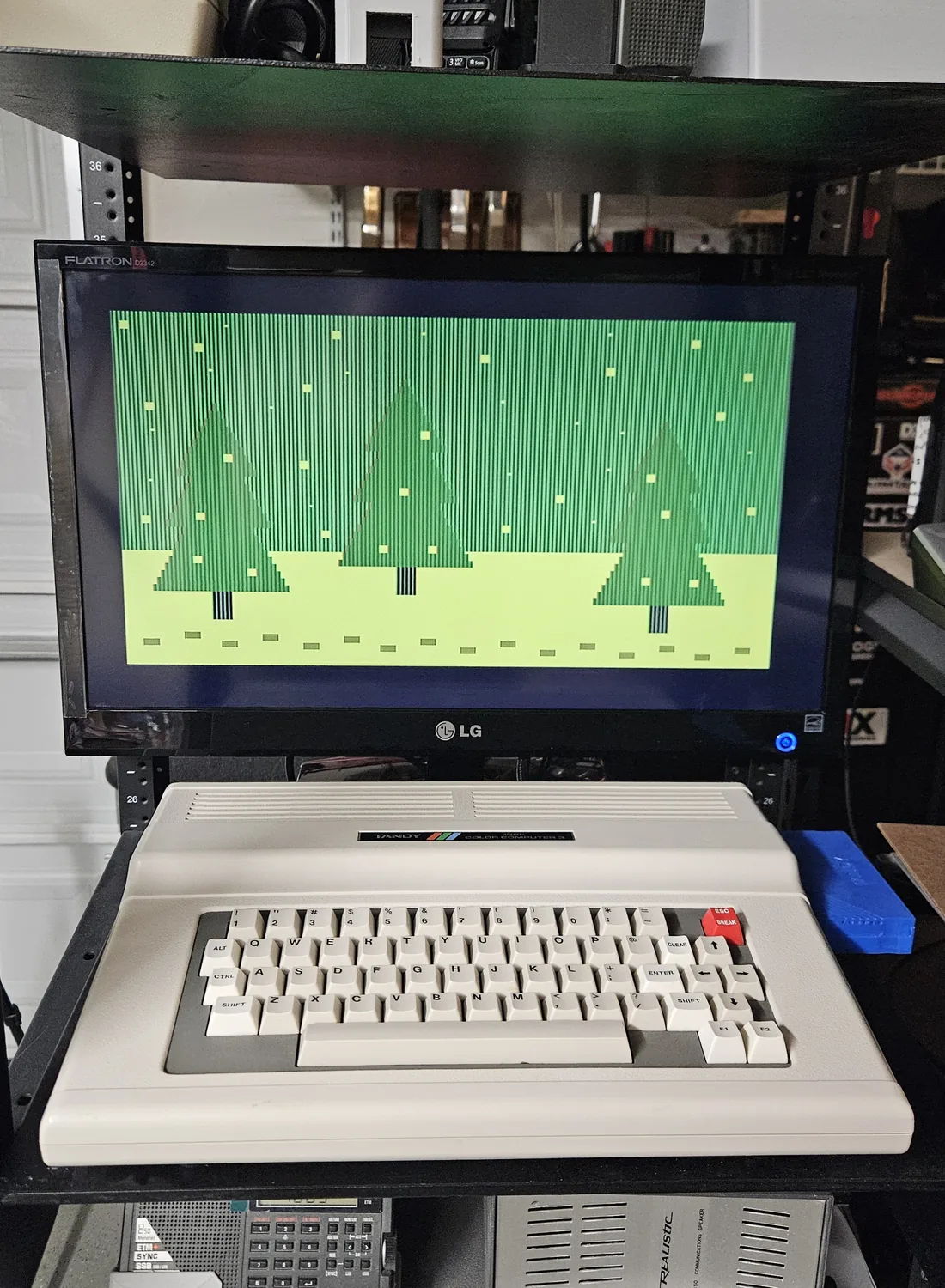
The CoCo 3 now has a home on a server rack shelf, with the monitor above it and my Realistic DX-160 receiver on the shelf below.
Credits
The cartridge housing is the "CoCo SDC Cartridge Case" by zoharel on Thingiverse, licensed Creative Commons Attribution-ShareAlike. AutoTerm is by Philip Zwart.